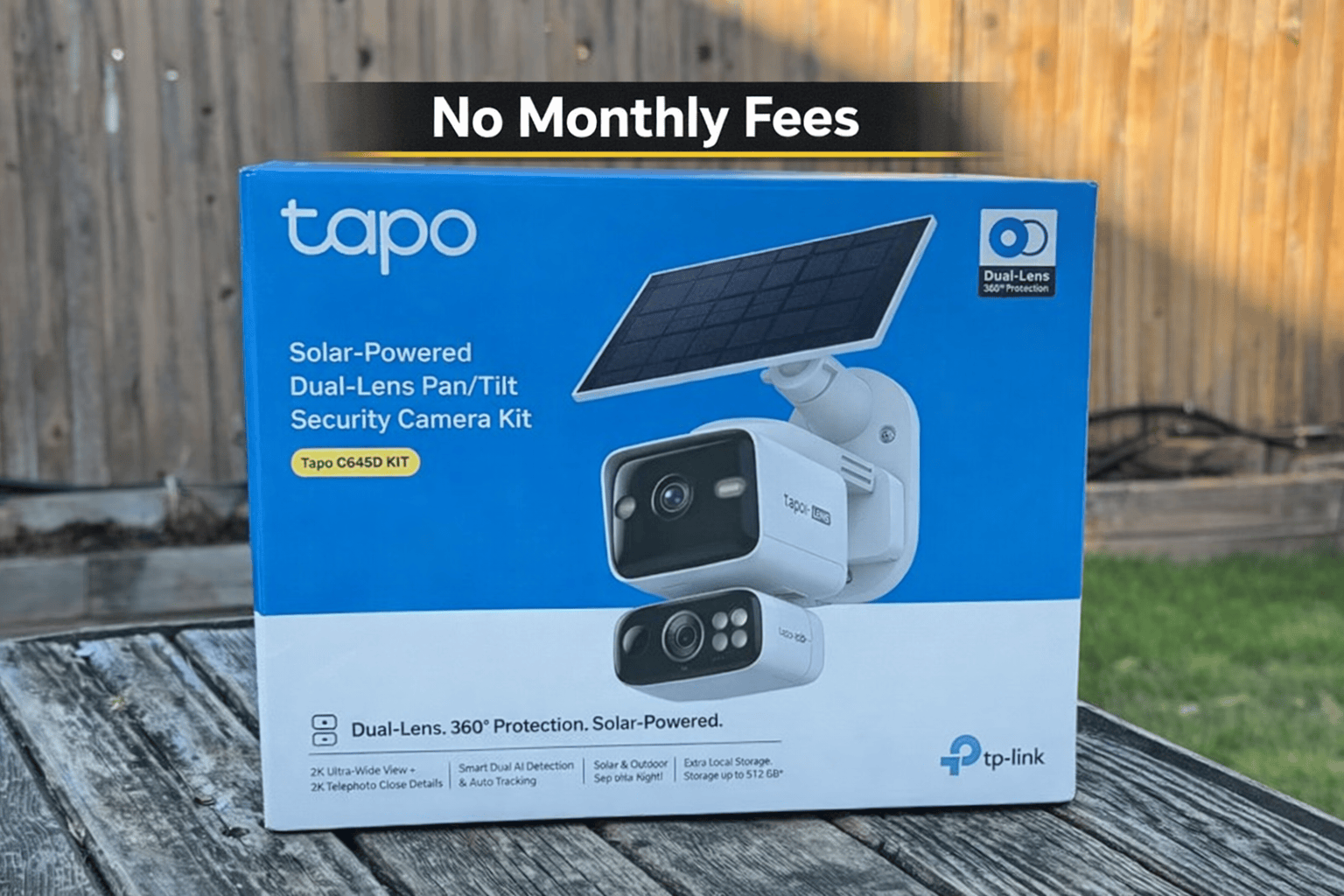
AI-Powered Security Cameras: Smarter Alerts, Better Coverage, and Easier Installs
If you’ve ever owned a security camera that pings your phone every time a car drives by, a tree moves, or a shadow passes… you already know the problem: too many alerts = you stop paying attention.
That’s where AI-powered security cameras make a real difference. Instead of detecting only “motion,” newer cameras can identify what they’re seeing, let you set activity zones, and make it faster to review footage when something actually matters.
Quick Navigation
Shop the gear featured in this post
Quick links if you want to build a similar AI camera setup.
Used in Video 1 (wire-free install + solar charging)
View on AmazonUsed in Video 2 (multi-cam coverage + 4K)
View on AmazonUsed in Video 3 (4K outdoor, solar built-in)
View on Amazon210 super bright LED beads, up to 2500lm, 6500K high brightness output, plus good heat dissipation.
View on AmazonGreat for local recording on compatible cameras (format it in the camera app for best results).
View on AmazonWatch the Videos (Embedded)
Video 1: Tapo C645D Kit Setup (2K Dual Lens 360° Pan/Tilt + Solar Panel)
Video 2: AOSU T2 Ultra 4-Cam Kit (4K Solar Security Cameras)
Video 3: Tapo 4K Outdoor Battery Camera (Integrated Solar Panel)
Why AI-Powered Cameras Are Worth It
Traditional cameras detect motion. AI cameras help you focus on what matters by reducing junk alerts, improving event review, and making it easier to track real activity.
- Smarter notifications so you don’t get spammed all day.
- Faster timeline review because key events stand out.
- Better coverage when placement + lighting + Wi‑Fi are dialed in.
The 5 Features I Look For in an AI Security Camera Setup
1) Person (and Smart) Detection That’s Actually Useful
AI detection should help you separate “someone is here” from “a shadow moved.” The goal is fewer useless alerts and more confidence.
2) Custom Activity Zones (This Reduces False Alerts a LOT)
Zones let you ignore busy areas (street/sidewalk) and focus on what matters (door, driveway, gate, side path).
3) Night Vision That Matches Your Use Case
Night footage is where cheaper cameras fall apart. Placement matters too—avoid glare from porch lights, reflective surfaces, or windows.
4) Power That Fits Where You Want to Mount It
- Battery + wire-free: easiest installs and flexible placement.
- Solar add-on / integrated solar: ideal where charging is annoying.
- Wired: set-and-forget reliability if you can run power.
5) Storage Options You’re Comfortable With
Some people want cloud recording. Others prefer local storage to avoid monthly fees and keep footage more private.
My Practical Setup Tips (So You Don’t Waste an Afternoon)
- Test placement before drilling: confirm the angle in live view.
- Avoid pointing at the street: it creates constant alerts.
- Mount at the right height: high enough to deter tampering, low enough for detail.
- Check Wi‑Fi strength first: weak signal = lag and missed events.
- Start with 1–2 key locations: front door + driveway usually give the biggest boost.
View on Amazon
Final Thoughts
AI-powered security cameras aren’t about being “fancy.” They’re about being practical: fewer false alerts, faster review, and better coverage where it matters most.
Disclosure: Some links may be affiliate links. If you purchase through them, I may earn a small commission at no extra cost to you.