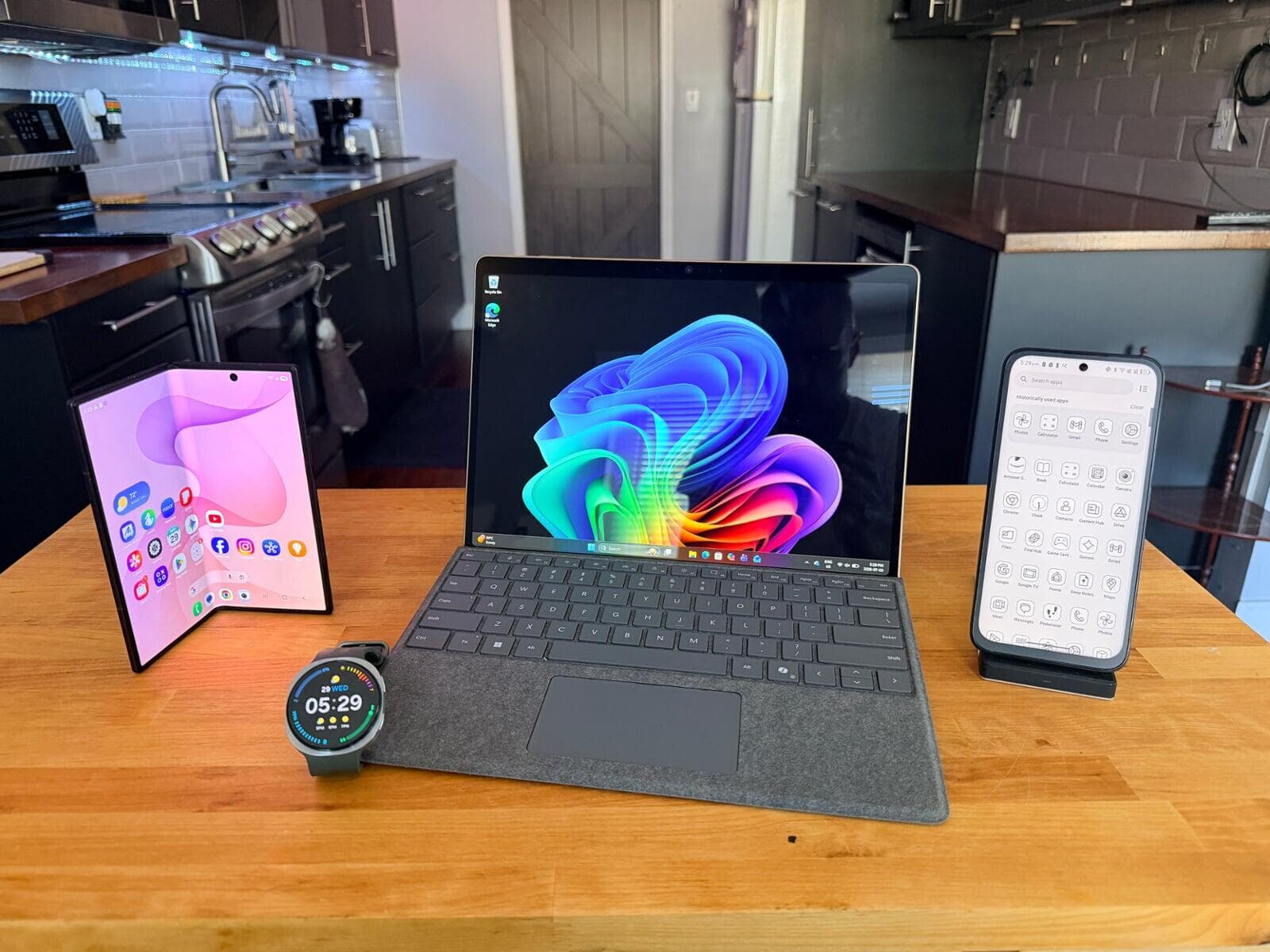
Heading back to school can get expensive fast. Between a laptop, tablet, phone, eReader, and smartwatch, the costs can add up quickly.
The good news? Some of today's devices can pull double duty, helping students get more functionality without buying multiple gadgets. Here are four of my favourite 2-in-1 devices for back-to-school season.
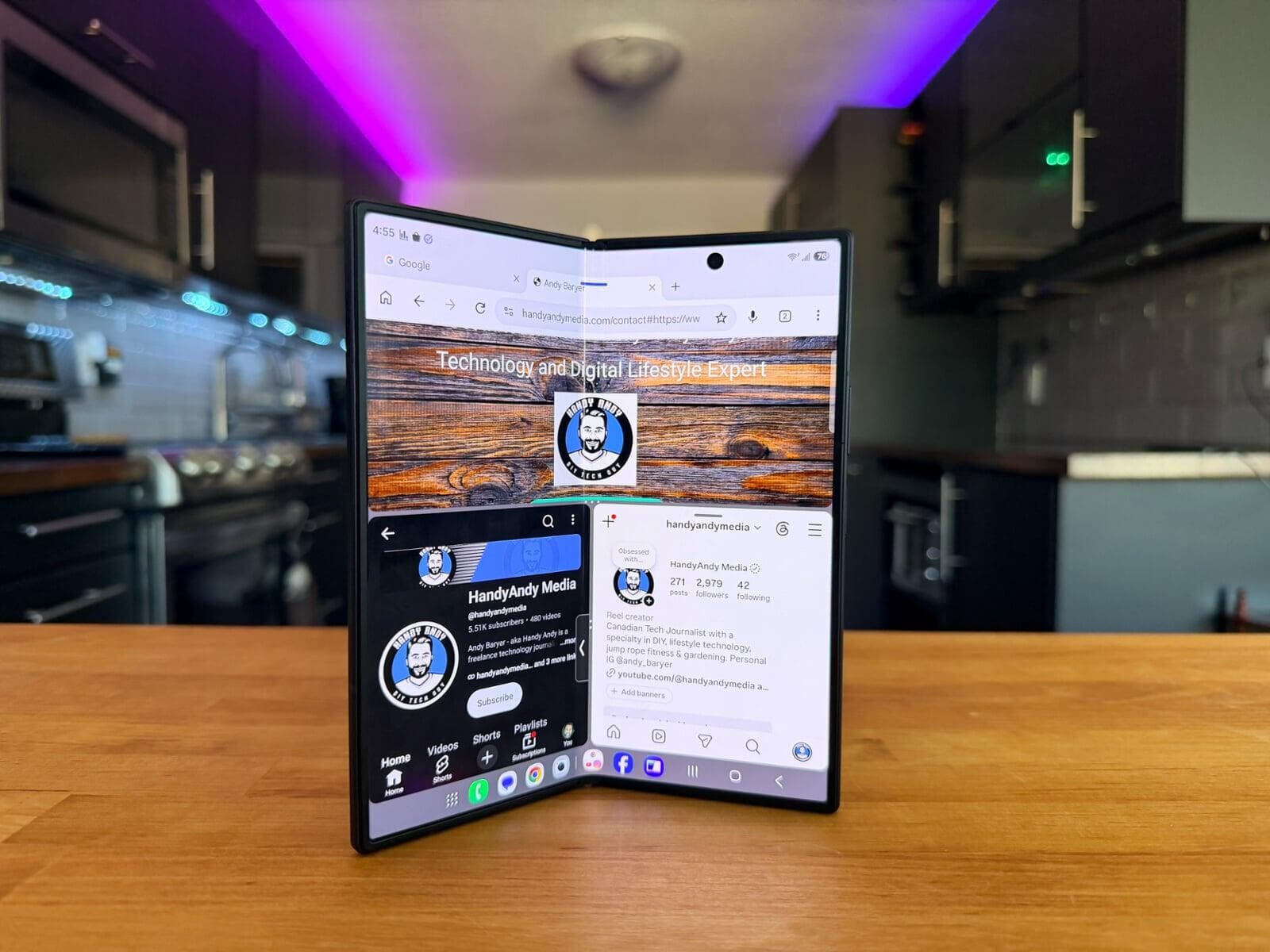
Samsung Galaxy Z Fold8 Ultra - Smartphone + Tablet
The Samsung Galaxy Z Fold8 Ultra works as both a premium smartphone and a compact tablet. Folded, it fits easily in your pocket. Open it up and you get a large tablet-style display that's ideal for reading textbooks, taking notes, multitasking, and watching lectures.
The larger screen makes it easier to run multiple apps side-by-side, which is especially useful when researching, studying, or working on assignments.
Best for: Students who want one device for communication, productivity, and entertainment.
🔗 Learn More: https://www.samsung.com/ca/smartphones/galaxy-z-fold8-ultra/
As an Amazon Associate, I may earn from qualifying purchases.
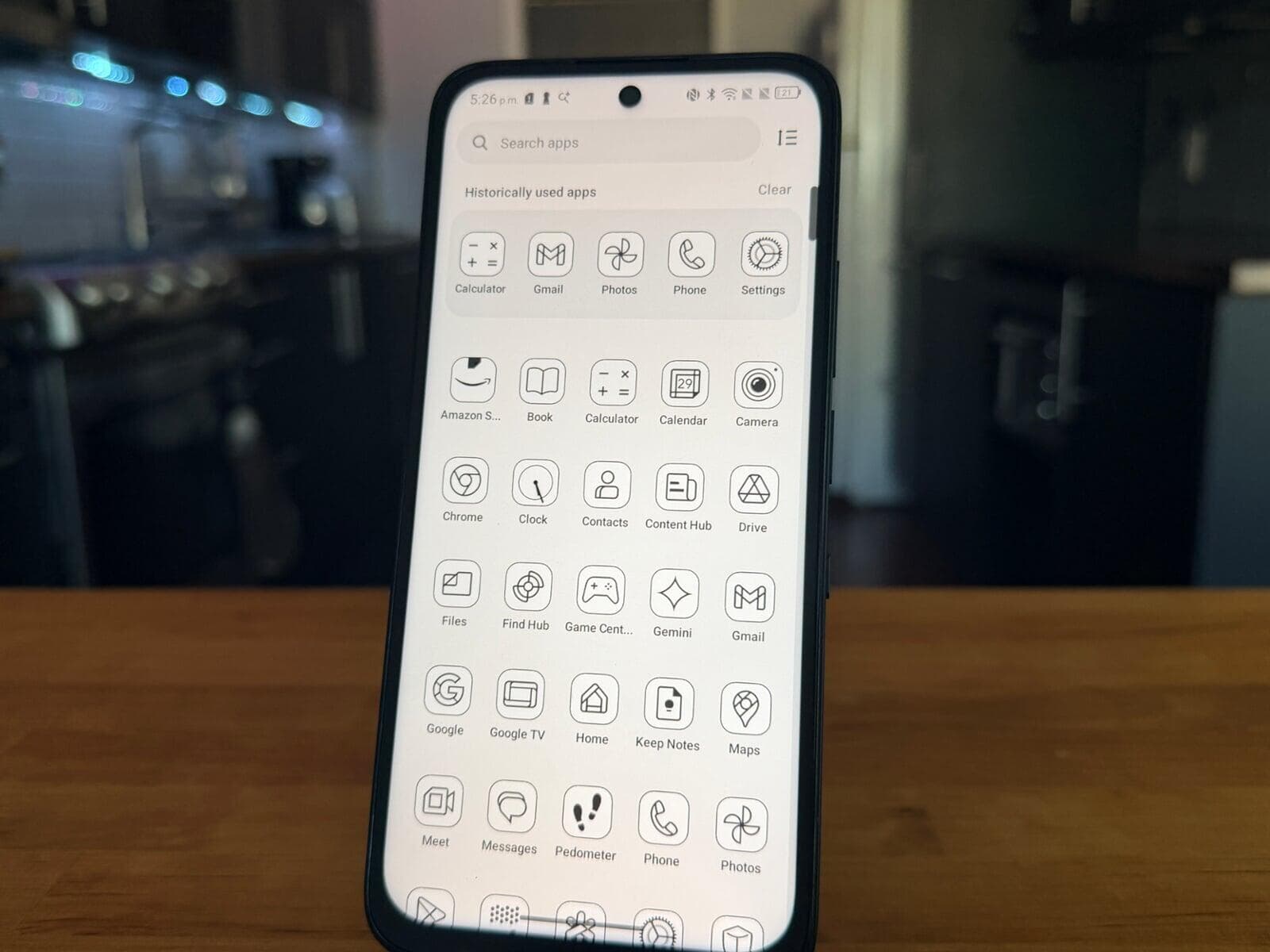
TCL K70 NXTPAPER - Smartphone + eReader
If you're trying to cut down on screen fatigue, the TCL K70 NXTPAPER is worth a look. Its NXTPAPER display technology creates a paper-like viewing experience that is easier on the eyes compared to traditional smartphone screens.
Students can use it as a regular smartphone during the day and as an eReader for textbooks, documents, and long reading sessions. The dedicated NXTPAPER mode reduces distractions and helps create a more focused reading experience.
Best for: Students who spend hours reading digital textbooks and study materials.
📖 Read My Review: https://www.handyandymedia.com/blogs/post/the-tcl-k70-nxtpaper-might-be-the-phone-to-get-if-you-want-to-use-your-smartphone-less
As an Amazon Associate, I may earn from qualifying purchases.
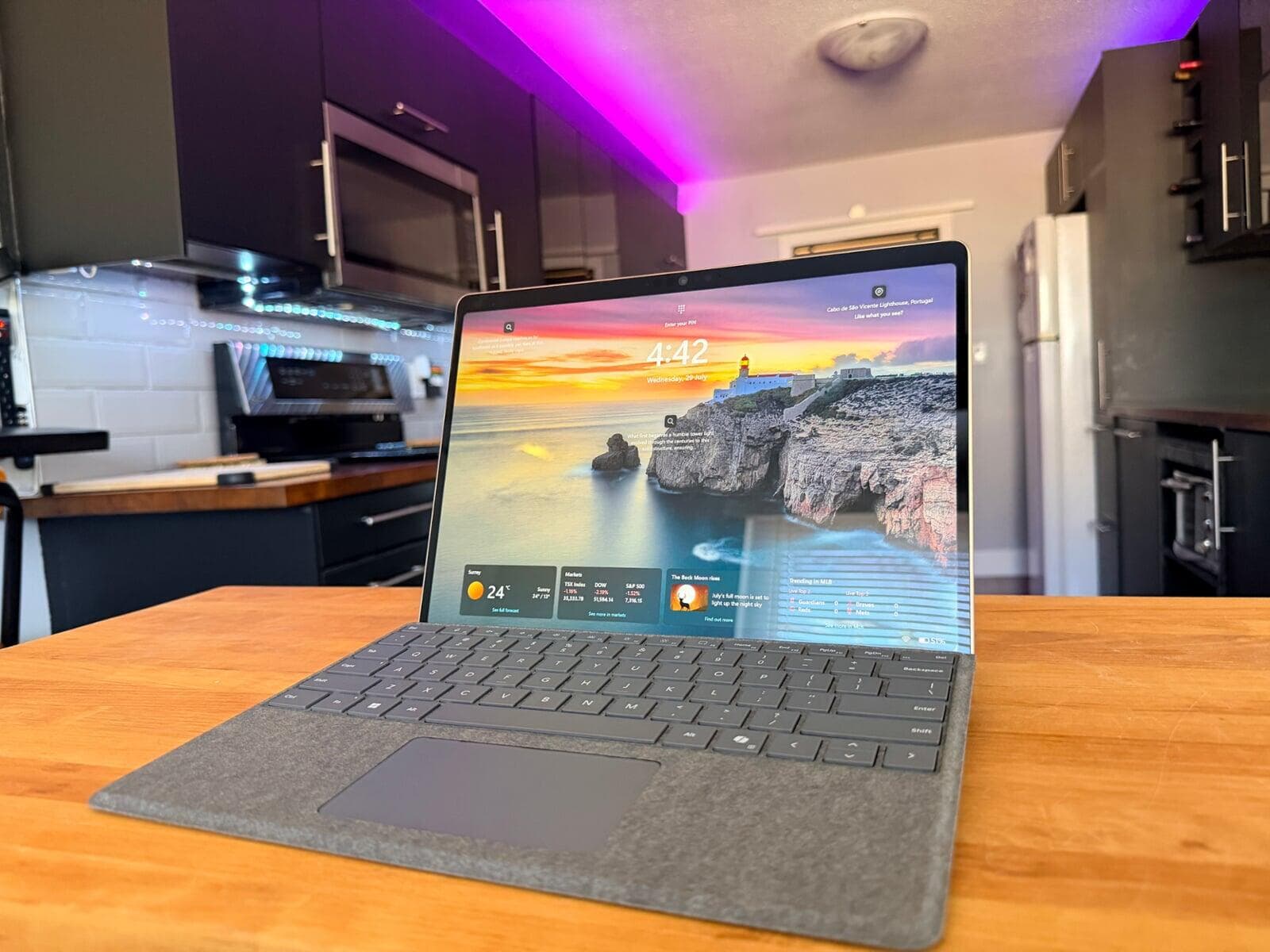
Microsoft Surface Pro 12 - Tablet + Laptop
The Microsoft Surface Pro 12 combines the flexibility of a tablet with the productivity of a laptop in one lightweight device. Powered by Qualcomm's Snapdragon X Plus processor, it delivers fast everyday performance and excellent battery life for note-taking, research, video conferencing, Microsoft 365, and multitasking throughout the school day.
Pair it with the optional keyboard and it becomes a full Windows laptop for assignments and presentations. Remove the keyboard and it transforms into a portable tablet that's perfect for reading, annotating documents, and taking notes in class.
Best for: Students who want a versatile all-in-one device that can replace both a traditional laptop and tablet.
🔗 Learn More: https://www.microsoft.com/en-ca/surface/devices/surface-pro-12-inch/overview/
As an Amazon Associate, I may earn from qualifying purchases.
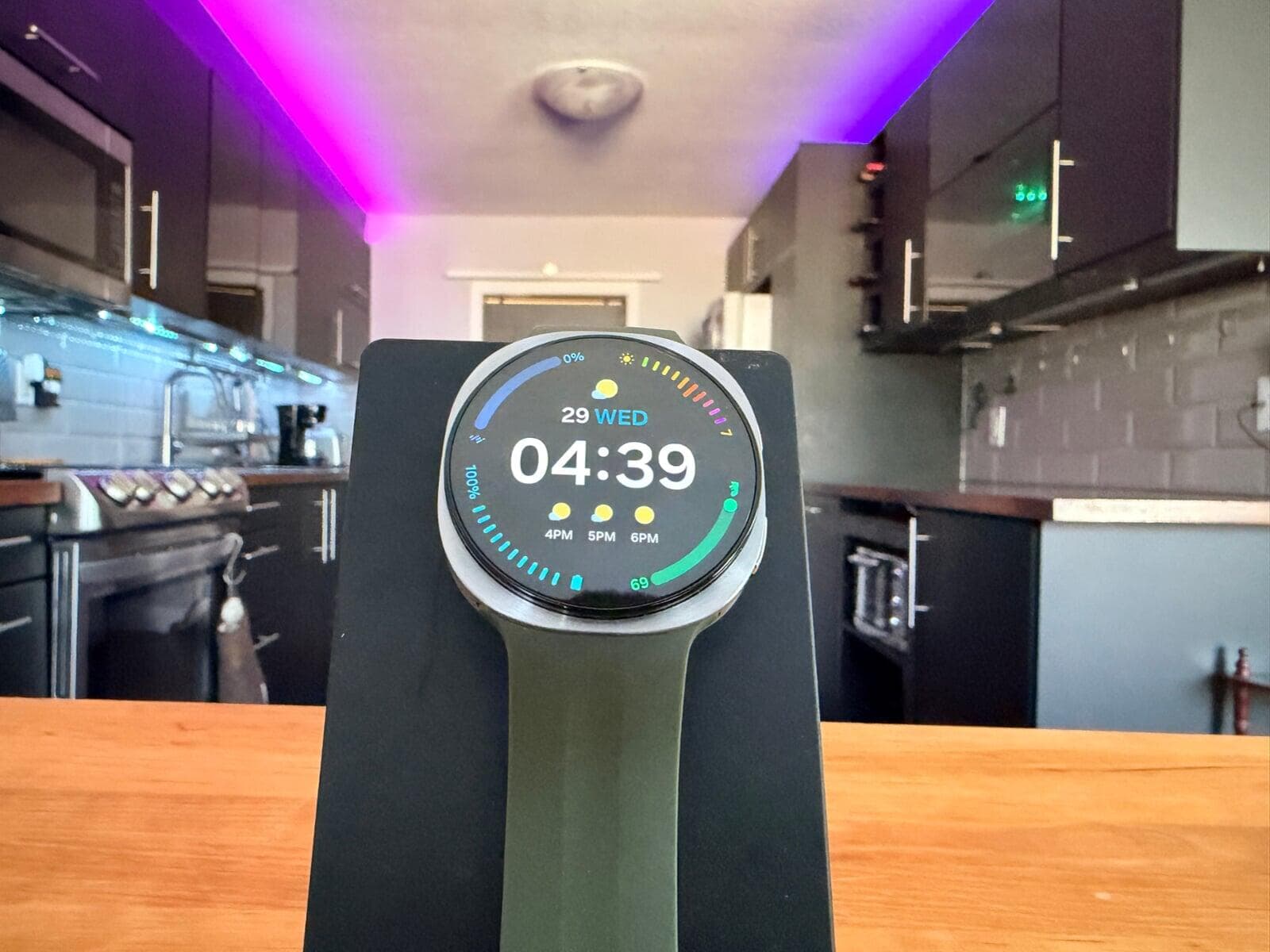
Samsung Galaxy Watch9 - Smartwatch + Personal Wellness Coach
School can be stressful, and maintaining healthy habits is just as important as getting good grades.
The Samsung Galaxy Watch9 does much more than tell time. It tracks activity, sleep, heart rate, workouts, and overall wellness, helping students stay active and manage their health throughout the school year.
It can also deliver notifications, reminders, calendar alerts, and other tools that help students stay organized.
Best for: Students who want to balance productivity, fitness, and wellness.
🔗 Learn More: https://www.samsung.com/ca/watches/
As an Amazon Associate, I may earn from qualifying purchases.
Final Thoughts
When every dollar counts, choosing technology that serves multiple purposes can help students stretch their budget further. Whether it's a phone that doubles as a tablet, a smartphone that functions as an eReader, a tablet that replaces a laptop, or a smartwatch that acts as a personal wellness coach, these devices offer extra value without requiring extra gear.
Be sure to check back here at HandyAndyMedia.com for more tech reviews, buying guides, and back-to-school recommendations.
🌐 Visit: https://www.HandyAndyMedia.com for more tech tips and reviews.