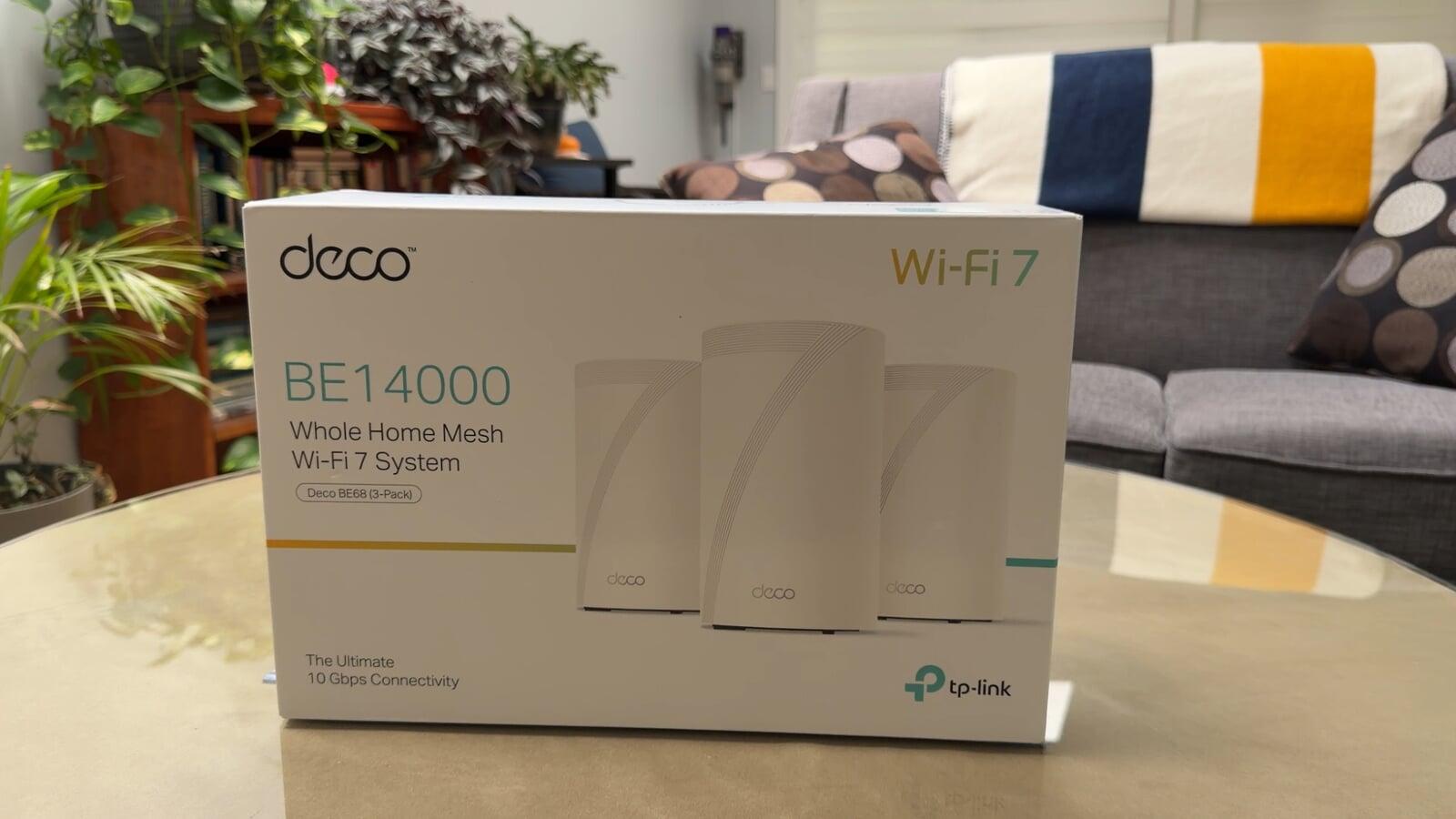
Wi-Fi dead zones are frustrating and it's been around since we first got Wi-Fi in the home. It's becoming an even bigger problem as we add more connected devices around the home. Outdoor security cameras, smart locks, video doorbells, smart TVs and even robotic lawn mowers all depend on a reliable connection. The problem is that the farther you get from your router, especially once you move outside, the weaker that connection can become. I recently tackled this problem at my parents' house using a TP-Link Deco BE14000 Wi-Fi 7 mesh system along with a Deco BE25-Outdoor WiFi 7 Mesh Extender. The goal was simple: get reliable Wi-Fi throughout the house and extend it into the backyard. And rather than just assuming the upgrade worked, I tested the Wi-Fi before and after to see how much of a difference it actually made.
The Problem: Wi-Fi Didn't Reach Far Enough
Before changing anything, I went around the property and measured the existing Wi-Fi connection. Close to the router, the connection was fine. But as I moved farther away and outside, the signal dropped dramatically. Some areas of the backyard had such a weak connection that I couldn't even complete a speed test. That's going to be a problem if you want to use connected devices outside.
Why Use Mesh Wi-Fi?
A traditional Wi-Fi setup generally relies on a single router to cover your home. The farther you move away from that router, and the more walls and other obstacles the signal has to travel through, the more difficult maintaining a strong Wi-Fi connection can become. A mesh system takes a different approach. Instead of relying on one device, I installed multiple Deco units in strategic locations throughout the house. The idea is to provide better coverage across a larger area rather than trying to make one router do all of the work. In the video, I also show how placement matters. You don't necessarily want to put a mesh node directly in the area where you have no Wi-Fi. It still needs a good connection back to the rest of the mesh network.
Watch the Full Installation
Taking the Wi-Fi Outside
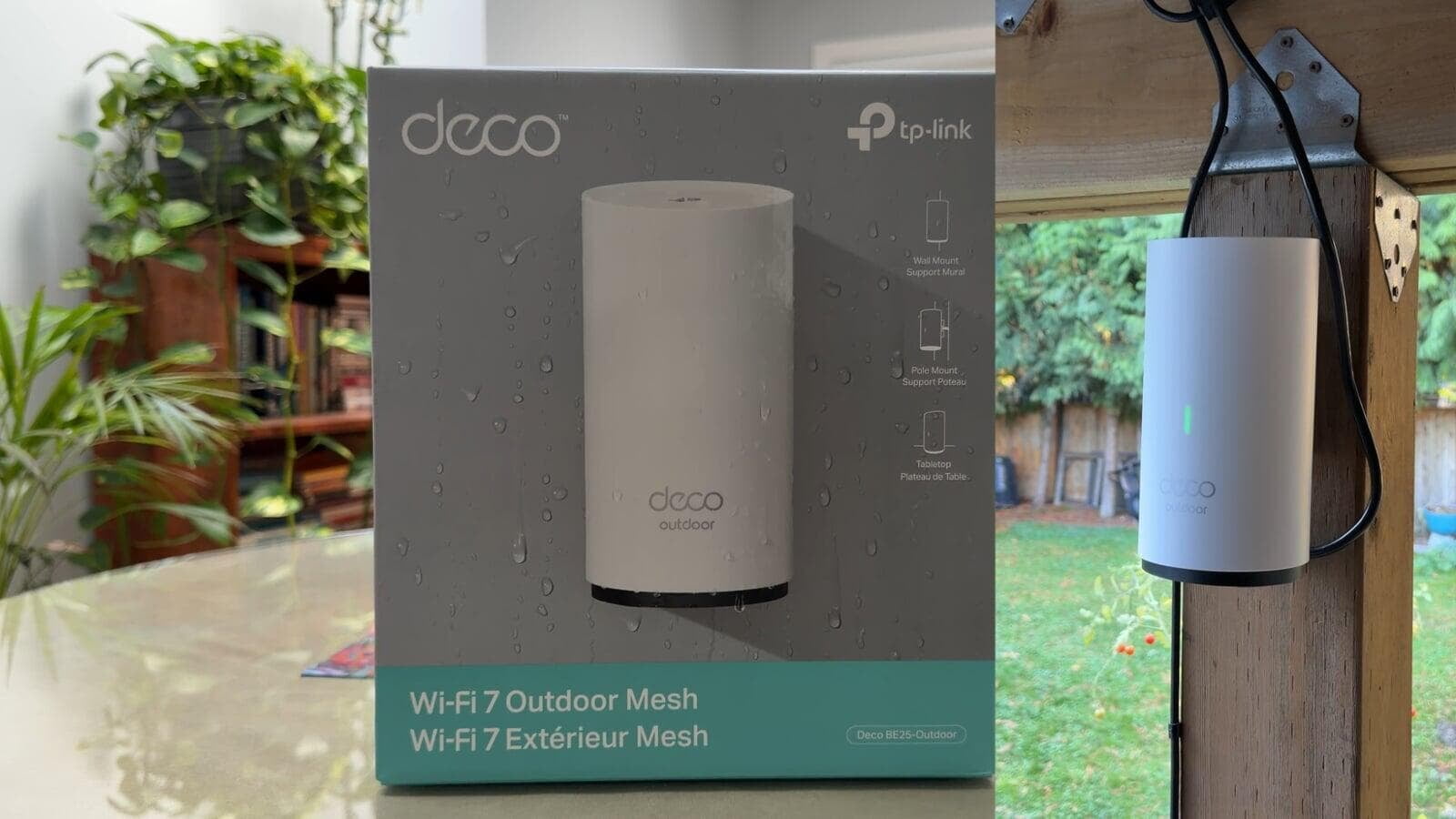
This was the part of the project I was particularly interested in. I added the Deco BE25-Outdoor to extend the mesh network beyond the walls of the house. I mounted the outdoor Deco under a covered area outside, allowing the Wi-Fi network to reach much farther into the property. Reliable outdoor Wi-Fi opens the door to other connected devices, including:
- Outdoor security cameras
- Smart lighting
- Video doorbells
- Smart speakers
- Outdoor entertainment
- Robotic lawn mowers
- Other smart-home devices
And that is exactly why I wanted to fix the network before adding more smart-home technology to the property.
So, Did It Actually Work?
Yes, and this is where the project gets interesting. I went back to the same locations around the property after installing the mesh system and repeated my tests. One of the biggest changes was at the farthest corner of the property. Before the upgrade, I couldn't get a usable internet connection there.
After the Deco installation, I measured:
80 Mbps download
14 Mbps upload
And that wasn't the only improvement. At the carport, I went from around 4 Mbps download before the upgrade to 174 Mbps afterward. In the middle of the backyard, where the speed test had previously failed, I measured approximately 118 Mbps download after the upgrade.
Before vs. After
| Location | Before | After |
|---|---|---|
| Carport | ~4 Mbps | 174 Mbps |
| Middle of backyard | Speed test failed | 118 Mbps |
| Farthest corner | No usable connection | 80 Mbps |
Those are real-world results from this particular property, so your results will obviously depend on your home's construction, internet service, interference and where the Deco units are positioned. But in this installation, the difference was substantial.
Where Should You Put Mesh Wi-Fi Nodes?
One of the biggest takeaways from this project is that placement matters. Don't automatically put a mesh node exactly where the Wi-Fi stops working.
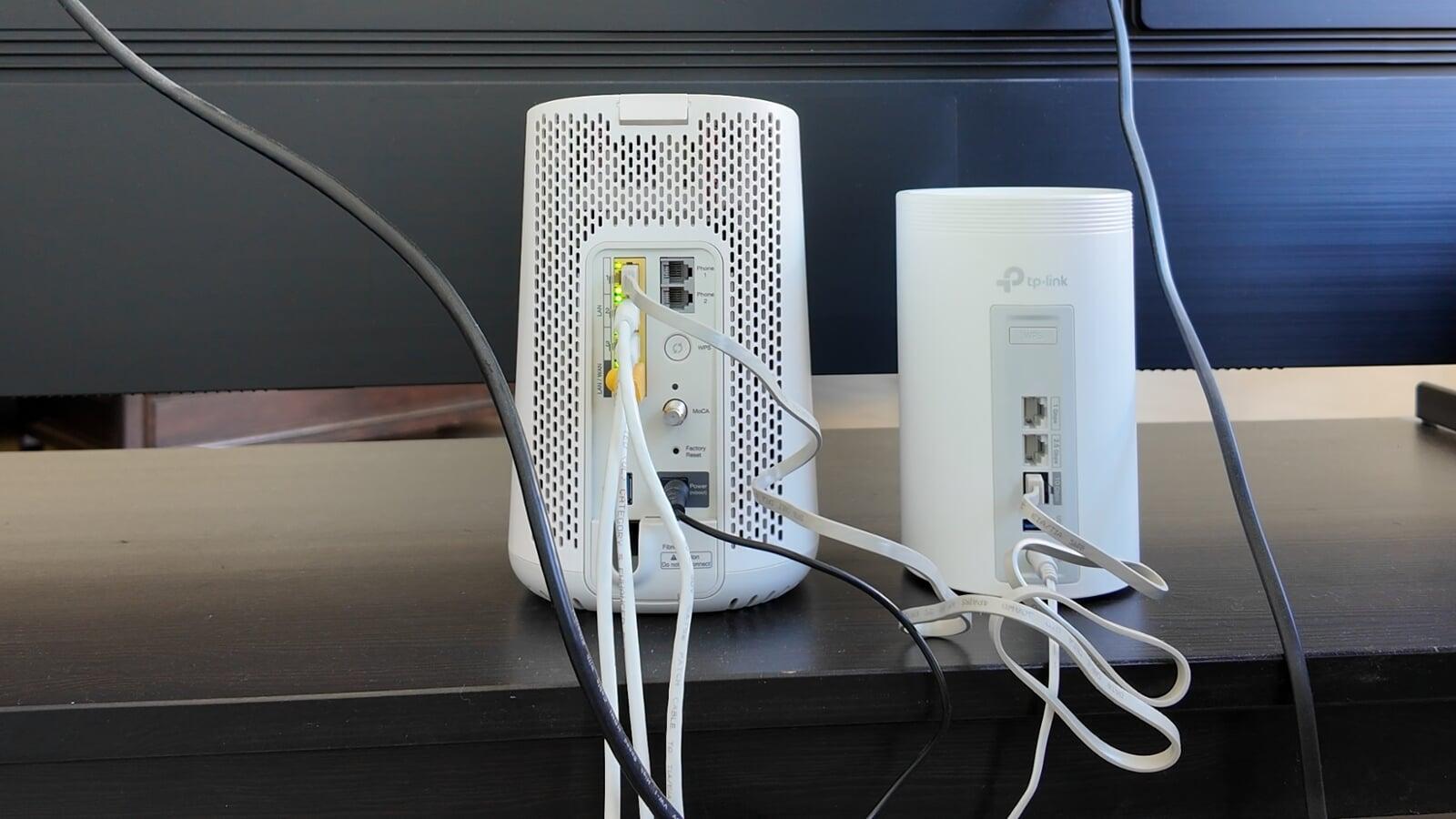
Instead, think of the nodes as links in a chain. Each unit needs a reliable connection while extending coverage toward the area you're trying to reach. In my installation, I strategically positioned the indoor Deco units before adding the outdoor Deco to push the network farther across the property. If you're setting up your own mesh network, my advice is:
- Test your existing network first.
- Identify where the signal begins to become weak.
- Position your mesh nodes between strong and weak coverage areas.
- Test again after installation.
- Adjust node placement if necessary.
Don't judge the upgrade based solely on whether your phone shows the Wi-Fi icon. Run speed tests and compare the results.
Do You Need Outdoor Wi-Fi?
Not everyone does. If you have a smaller home and don't use connected devices outside, extending Wi-Fi into the backyard may not matter much.
But if you're planning a more complete smart-home setup, outdoor connectivity is becoming increasingly useful.
For my parents' house, this network upgrade is actually the foundation for several other projects. My plan is to add security cameras, a smart lock and a robotic lawn mower, all of which can take advantage of the improved connectivity around the property.
Final Thoughts
The biggest lesson from this upgrade isn't simply that newer Wi-Fi technology can be faster. Coverage matters.There's not much value in having a fast internet connection coming into your house if devices can't get a reliable connection where you actually want to use them. In this case, moving from a single-router setup to a mesh network and adding an outdoor Deco made Wi-Fi available in areas of the property where the connection was previously extremely weak or nonexistent. More importantly, I measured the network before and after, so I could see whether the upgrade actually solved the problem.
If you're dealing with Wi-Fi dead zones inside your house or you're trying to extend your network into your patio, garage or backyard, a properly positioned mesh system could be worth considering.