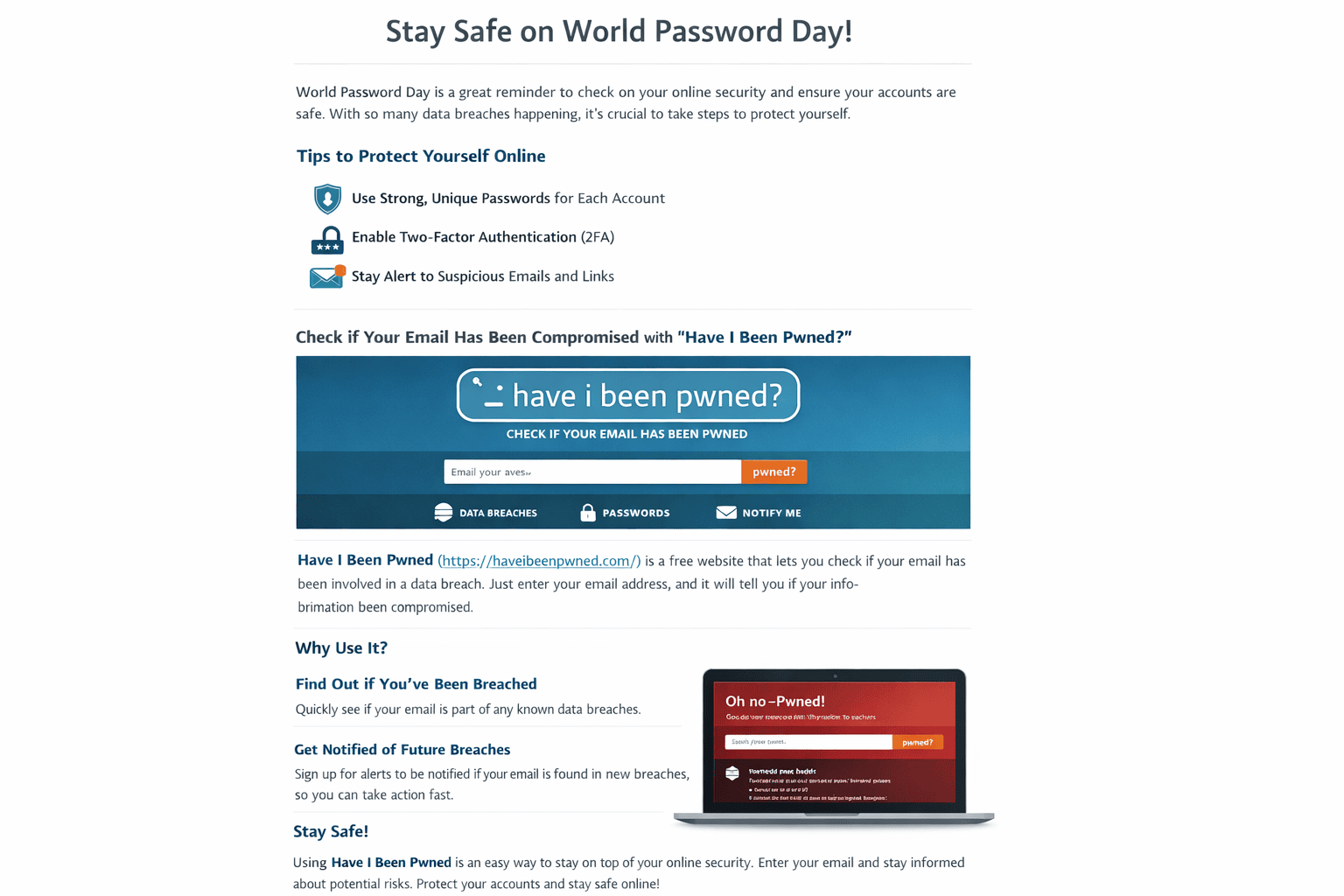
World Password Day: Simple Steps to Protect Yourself (Plus a Free Breach Check)
World Password Day is a great reminder to do a quick security tune-up. Passwords are still the most common “key” to our digital lives, but stolen credentials and reused passwords are a favorite shortcut for criminals. The good news is you can dramatically reduce your risk with a handful of practical upgrades that take minutes, not hours.
Your 10-minute World Password Day checklist
- Use long, unique passwords (or passphrases) for every important account.
- Stop reusing passwords. Reuse turns one breach into many.
- Turn on Multi-Factor Authentication (MFA) wherever possible (email, banking, social, shopping).
- Use a password manager to generate and store strong passwords.
- Upgrade to passkeys when a service offers them for easier, more phishing-resistant sign-in.
- Be alert for phishing (fake “reset your password” emails and lookalike login pages).
Step 1: Secure your email first
Start with your email account. Email is the reset key for almost everything else. If someone gets into your inbox, they can often trigger password resets and take over other services. Set a long, unique password for email and enable MFA right away.
Step 2: Use longer passwords (passphrases) instead of “complex” short ones
Many people still think “complex” means adding symbols and numbers to a short password. A better approach is length: a long passphrase is harder to crack and easier to remember. Modern guidance also discourages forced password changes on a fixed schedule because it often leads to predictable “password1 → password2” behavior. Focus on long, unique passwords and change them when there is a reason, such as a suspected compromise.
A simple passphrase formula
Pick 4–5 random words you can remember, add spaces if allowed, and optionally add a number or symbol:
Ocean Cedar Battery Train 47
Step 3: Turn on MFA (and pick the strongest option you can)
MFA adds a second layer of security so a stolen password alone is not enough. Whenever possible, choose stronger, phishing-resistant methods (like passkeys or device-based approvals) instead of codes delivered by text message.
Step 4: Use a password manager so you never have to reuse passwords
A password manager helps you create and store unique passwords for every site. Instead of memorizing dozens of logins, you protect one strong master passphrase and let the manager do the heavy lifting. This is one of the most effective ways to stop credential stuffing attacks that rely on reused passwords.
The fastest win today: Check your email on Have I Been Pwned
If you do only one thing on World Password Day, do this: check whether your email address has appeared in known data breaches using Have I Been Pwned . It is a free service that lets you search an email address and see if it shows up in breach datasets loaded into the site.
How Have I Been Pwned works
- Go to haveibeenpwned.com and enter your email address.
- If your email is found, you will see which breaches included it and what types of data were exposed (for example, email addresses, usernames, or other profile details).
- If nothing is found, that is good news. Still, it is a reminder to keep using unique passwords and MFA because not every incident is captured everywhere.
Why you should enter your email (and why it is worth it)
- Early warning: If your email is exposed, you can change passwords before criminals try those credentials elsewhere.
- Better priorities: It tells you which accounts to focus on first, starting with email, financial services, and any reused passwords.
- Future alerts: You can sign up for breach notifications so you are alerted if your email shows up in new breaches.
Optional but recommended: Turn on HIBP notifications
To get alerts, use HIBP’s “Notify Me” feature:
- Visit: haveibeenpwned.com/NotifyMe
- Enter your email address and complete the verification link sent to your inbox.
- After that, you will be notified if your email appears in future breaches.
If you discover you have been breached, do this next
1) Change passwords in the right order
- Email (reset key for everything else)
- Banking and payments
- Shopping accounts (saved cards, addresses)
- Social media (account takeovers happen fast)
- Work accounts (especially if the same password was reused)
2) Make every new password unique
Do not “edit” the old password. Create a totally new one. This is where a password manager helps the most.
3) Enable MFA and review account recovery settings
- Turn on MFA for the account you are changing.
- Update recovery email and phone details so you are not locked out later.
- Check recent sign-in activity and log out of unknown devices/sessions.
A quick note on privacy and passwords
Have I Been Pwned explains in its FAQ that the email address search is focused on whether an address appears in breach data, and it also notes that passwords are handled separately via its “Pwned Passwords” service rather than being displayed alongside personal identifiers. When in doubt, stick to the safest routine: change any reused passwords, enable MFA, and keep your devices updated.
Your World Password Day challenge
Check your email on HIBP, turn on MFA for email and banking, and replace one reused password with a unique passphrase today.
Sources & further reading
- Have I Been Pwned (email breach search)
- HIBP FAQ
- HIBP breach notifications (“Notify Me”)
- NIST Digital Identity Guidelines (SP 800-63)
- UK NCSC: Password policy (updating your approach)
Disclaimer: This post is for educational purposes and does not replace professional security advice for specific situations.