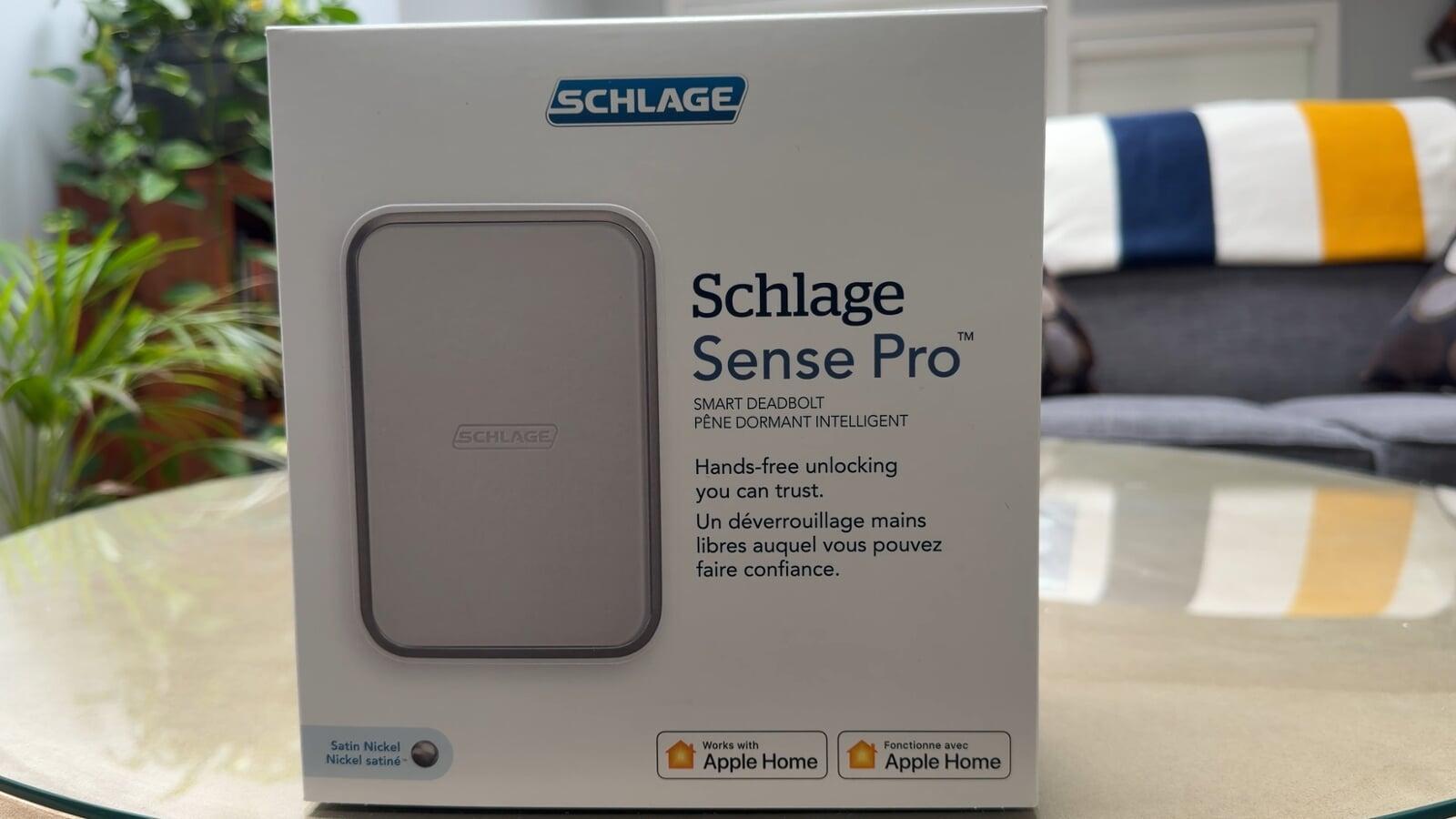
What if your front door could unlock without taking out your keys or entering a PIN? That's the idea behind the new Schlage Sense Pro Smart Deadbolt. It lets you walk up to the front door and unlock automatically. I've used smart locks for years, but the technology inside the Sense Pro takes the concept to another level.
What Makes the Schlage Sense Pro Different?
Most smart locks give you several alternatives to a traditional key. You might enter a PIN, use an app or tap your phone against the lock. The Schlage Sense Pro adds even more convenience with with hands-free unlocking. Schlage calls the underlying system Converge technology. It uses Ultra Wideband, or UWB, to calculate the movement of a compatible iPhone or Apple Watch, including its speed, trajectory and motion as it approaches the door. Basically, it senses you walking to the door and unlocks just as you arrive.
When everything is configured, it senses the iPhone in your pocket or Apple Watch on your wrist to identify you and unlock the door once you get there. Honestly, this sounds too good to be true, so I had to test it myself.
I Installed it at My Parents' House
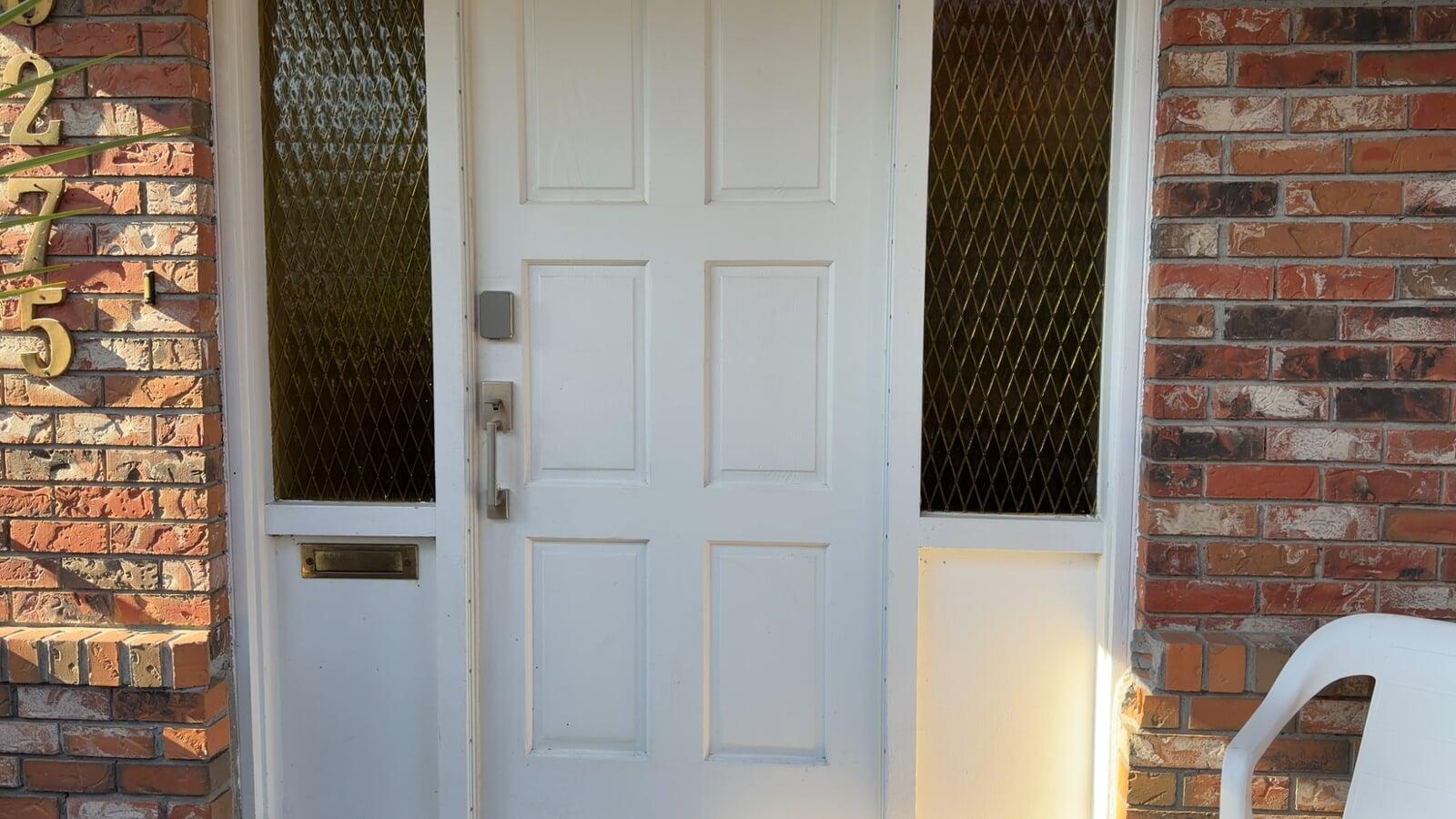
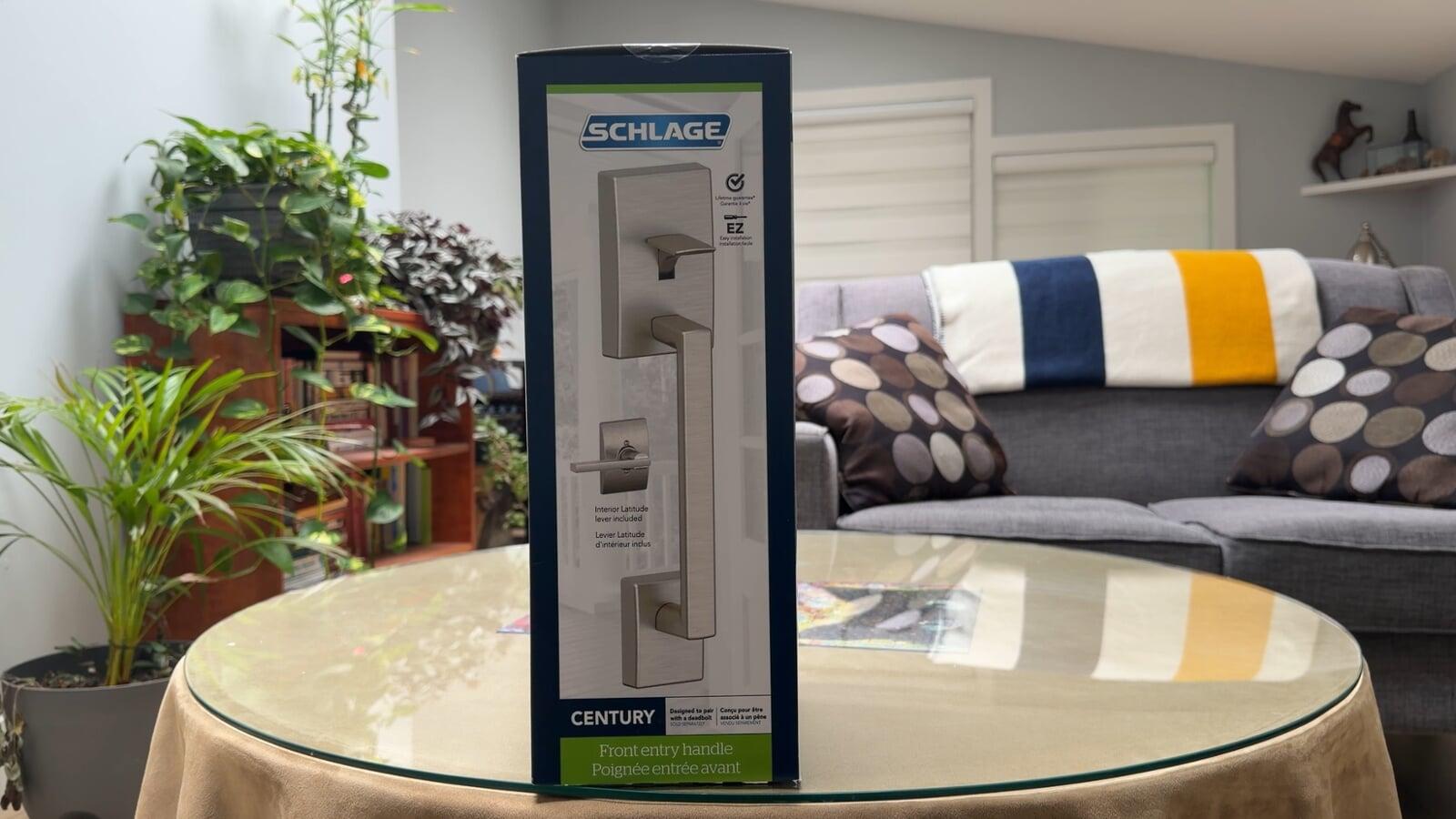
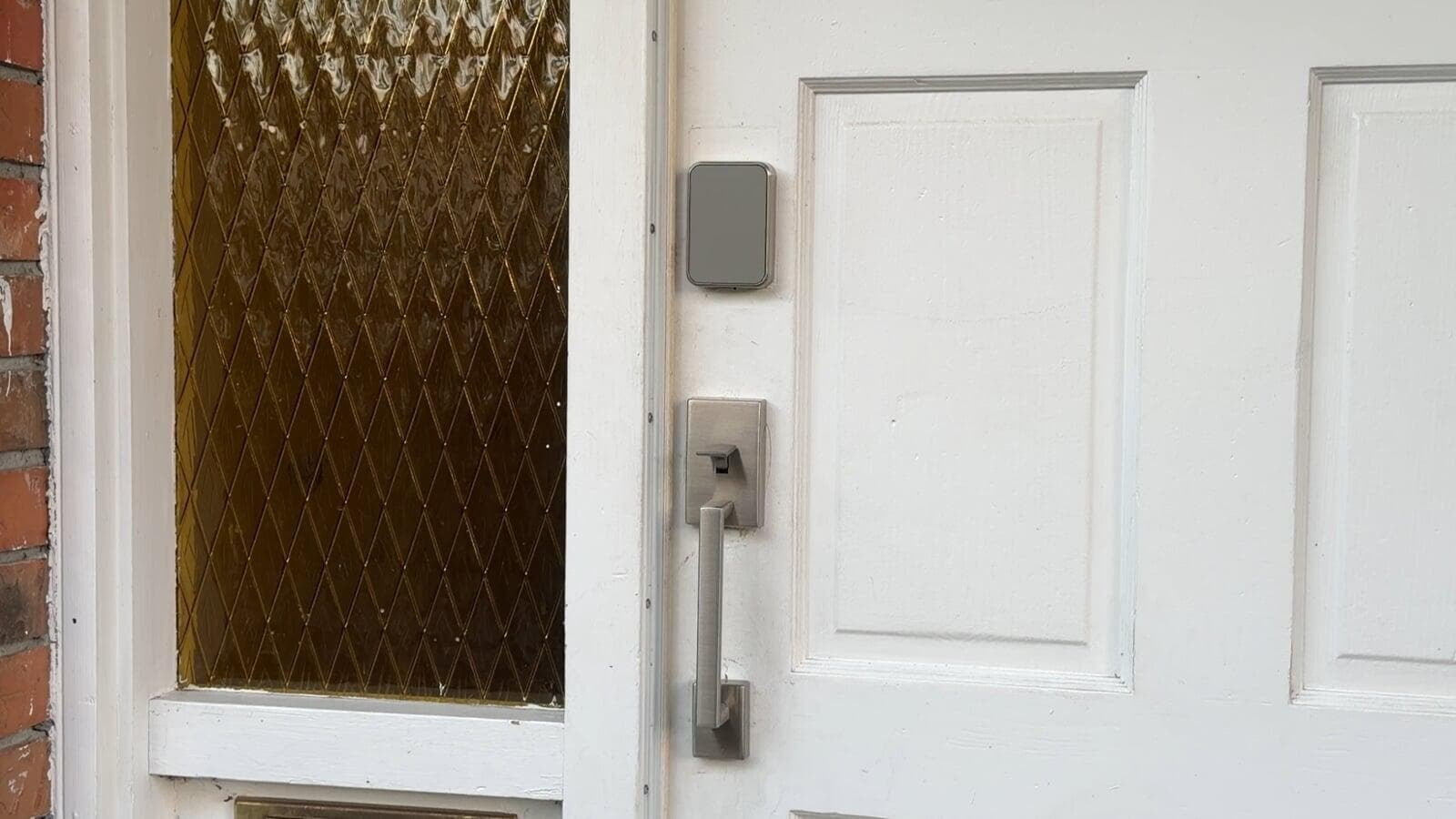
For this project, I upgraded the front door at my parents' house. The door already had an original Schlage Encode smart lock installed, but it was time for an upgrade. I replaced the existing deadbolt with the Sense Pro and also installed a matching Schlage Century handleset to update the rest of the door hardware. My parents use iPhones, so I wanted to create a system that would be convenient for them. That's really how I judge good smart-home technology: Does it make an everyday task easier, or does it create another app and gadget you have to manage?
Watch: Schlage Sense Pro Installation
One Important Installation Tip
I've installed a lot of smart locks on different doors and I have one tip I want to share. Before removing your existing deadbolt, check how smoothly it operates. Close your door and manually lock and unlock the existing deadbolt. There shouldn't be significant resistance or friction. That's particularly important with an electronic deadbolt because a motor will eventually be doing the work that your hand was doing before. In my installation, the existing deadbolt operated smoothly before I began the replacement. If the deadbolt is binding against the door frame, I'd address the alignment problem before installing the new smart lock rather than expecting the motorized lock to compensate for it.
Matter over Thread
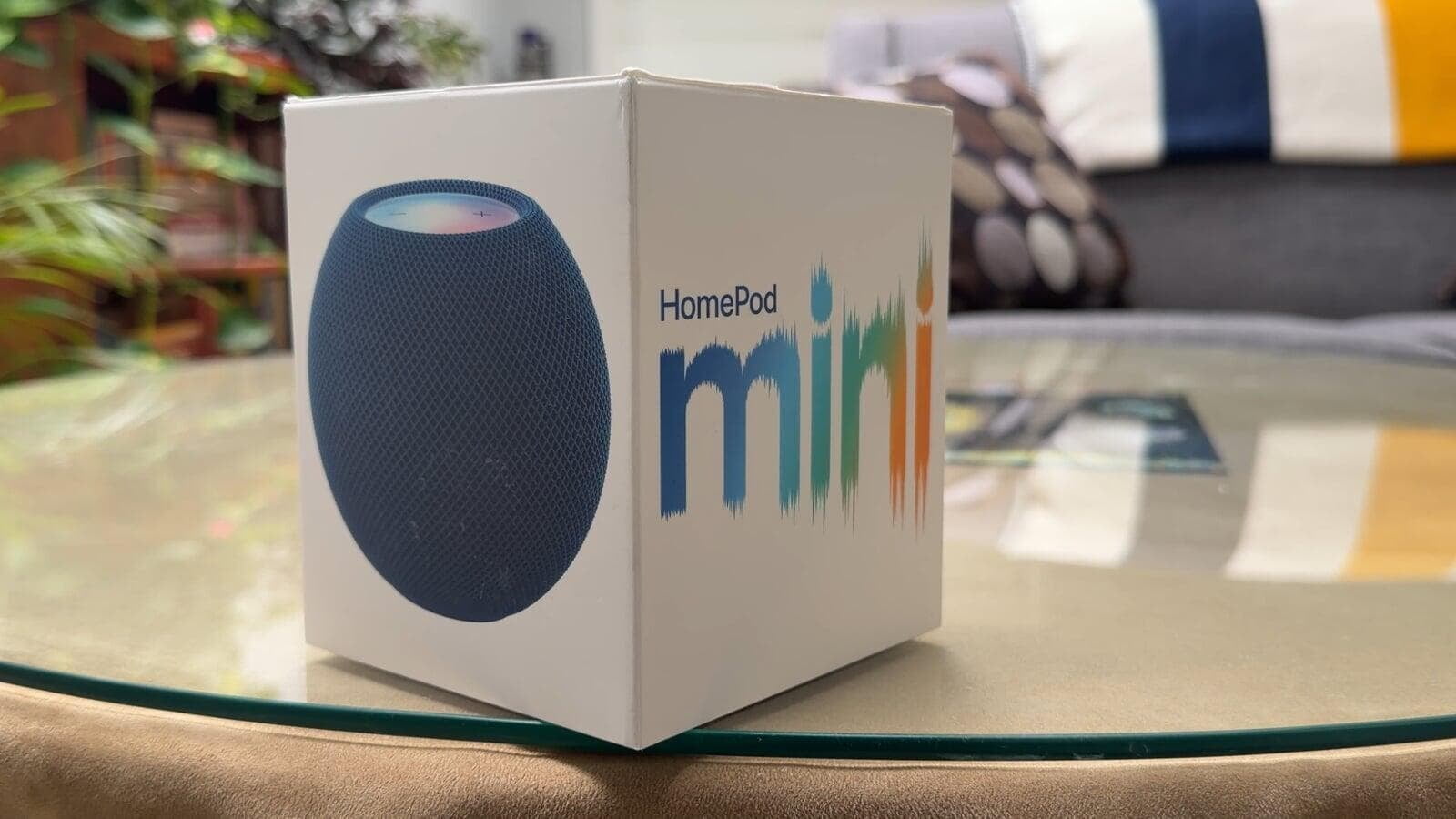
The Schlage Sense Pro supports Matter over Thread which allows it to integrate with compatible smart-home ecosystems like Apple Home, Amazon Alexa, and Google Home. For my installation, I connected it to Apple Home. A Thread-enabled home hub is required for Schlage Sense Pro pairing with an iPhone or Apple Watch. Schlage lists compatible options including an Apple TV 4K, HomePod (2nd generation) and HomePod mini. I used a HomePod mini, which established the Thread connection needed for my setup. The Sense Pro also supports Apple home key, providing both tap-to-unlock and hands-free unlocking.
Will Hands-Free Unlock Work With Every iPhone?
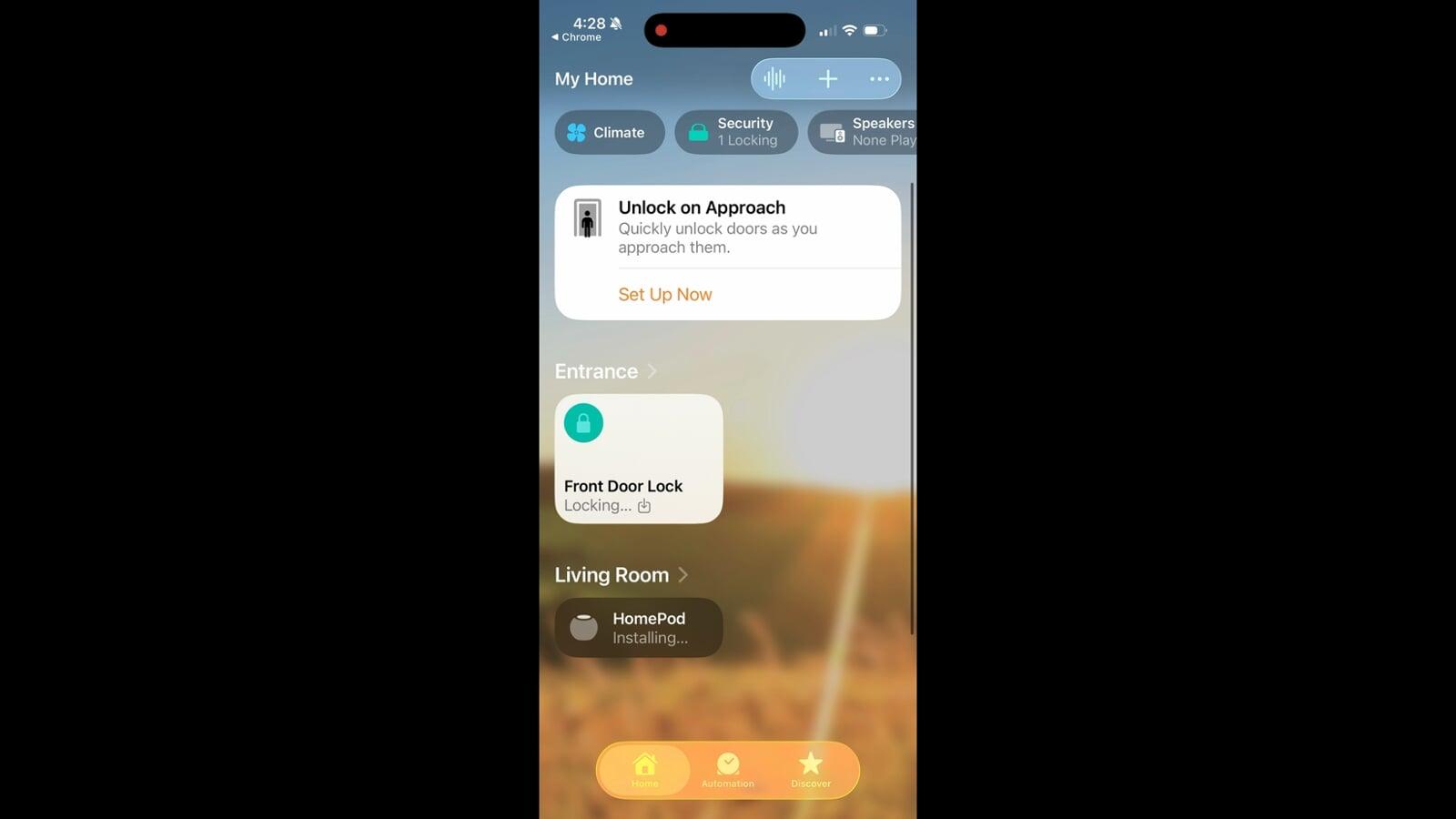
No, and this is an important distinction. According to Schlage, hands-free unlock with Apple home key requires an iPhone 11 or later, excluding iPhone SE (2nd and 3rd generation) and iPhone 16e, running iOS 18.5 or later. For Apple Watch, Schlage specifies Apple Watch Series 6 or later, excluding Apple Watch SE, running watchOS 11.5 or later. Tap-to-unlock compatibility is broader than hands-free unlocking, so it's worth checking compatibility if the hands-free feature is the primary reason you're considering the lock. Thankfully, both my parents have newer iPhones so I'll be able to later set their iPhones up with the Sense Pro.
Putting Hands-Free Unlock to the Test
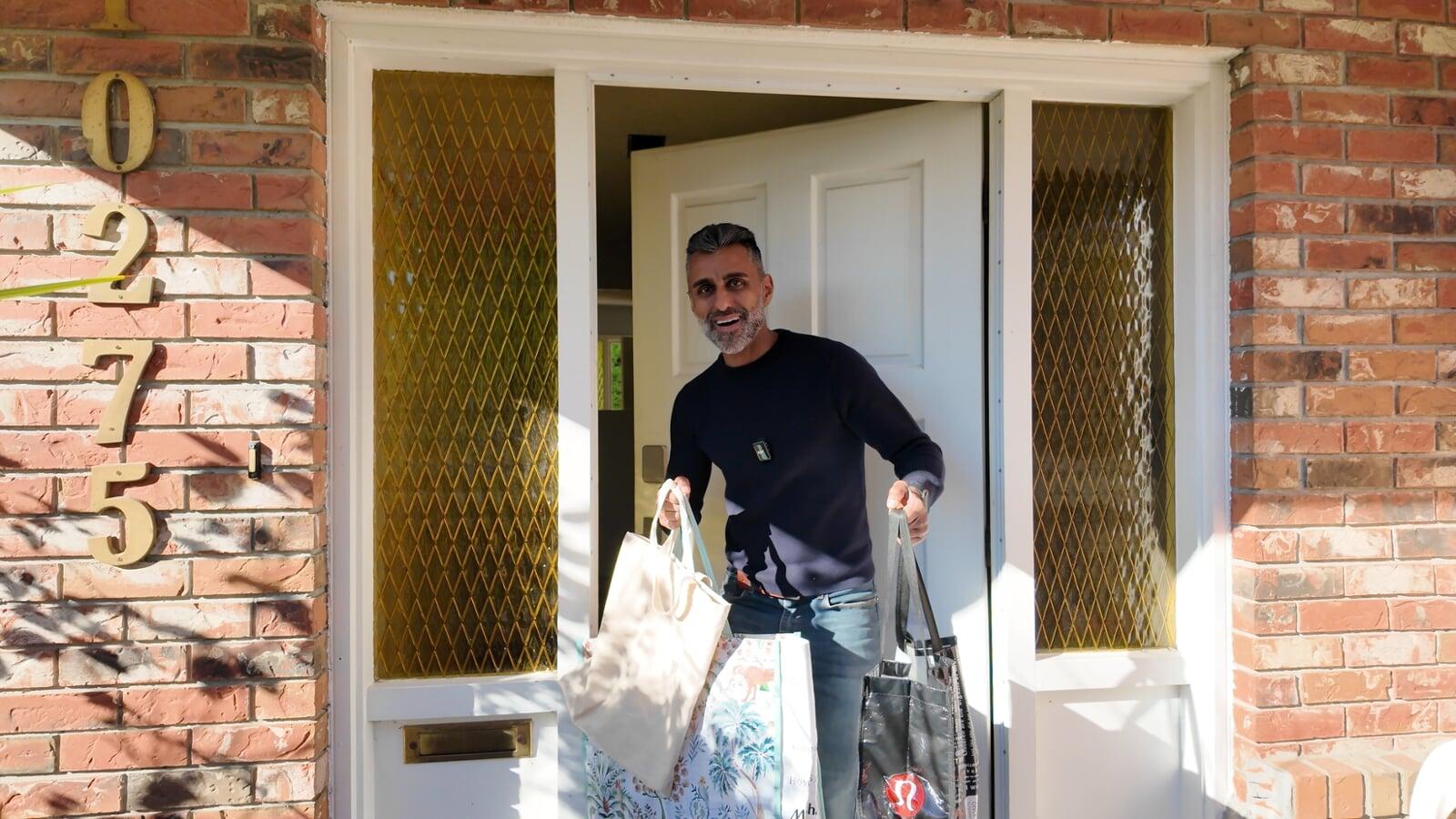
This was the part I really wanted to try. Instead of simply standing in front of the door with my phone, I created a scenario that I think a lot of homeowners will recognize: I filled both hands with grocery bags. I locked the front door, walked away and then approached again with my iPhone still in my pocket. As I reached the door, the Sense Pro detected the approach and unlocked. I didn't enter a PIN, pull out a key or take my iPhone out. Since my hands were full, I was even able to use my elbow with the new handleset to open the door and walk inside. It's a simple use case, but that test helped demonstrate why this technology is useful.
My Take on the Schlage Sense Pro
The best smart-home products I find are the ones that remove friction from something you already do. That's what I like about the Schlage Sense Pro.
We've gone from carrying a physical key, to entering PIN codes, to tapping phones against smart locks. Hands-free unlocking takes another step by potentially removing the interaction altogether. And the grocery-bag test brought the benefit into focus for me. The technology handled the rest.
One thing you will notice is that there is no backup key. Instead, there is a USB-C port underneath where you can connect a portable battery pack to open the door. But users will get ample notice before the battery dies so it's really as a last resort backup. So if you're family uses iPhones, this is a smart lock I highly recommend because I tested it myself, and it works as advertised. I'm giving it the Handy Andy stamp of approval!