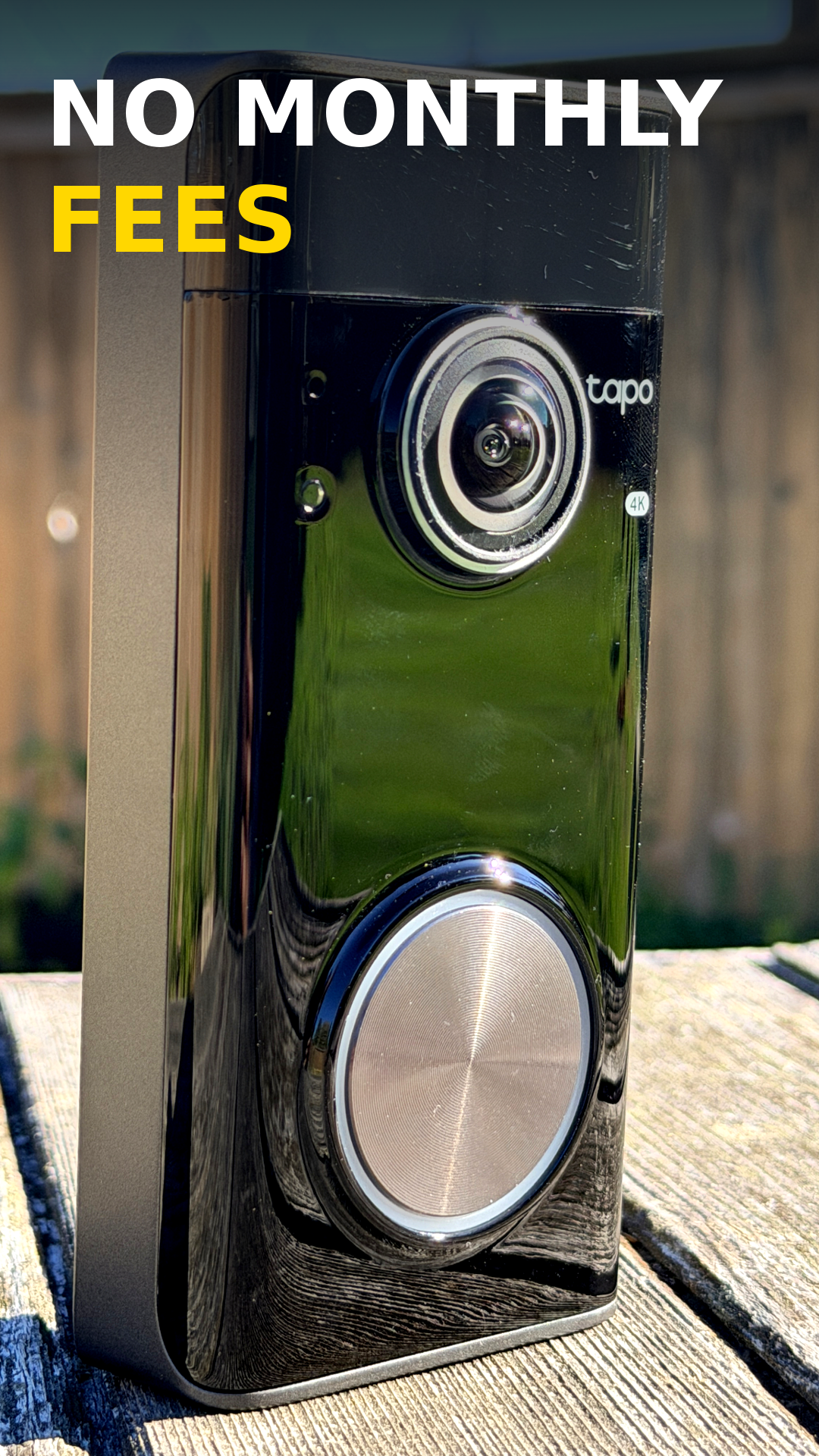
4K Security Without Monthly Fees
If you're shopping for a smart video doorbell, one of the biggest questions is whether you'll end up paying monthly subscription fees just to access your own footage. After testing the Tapo D260 Doorbell Pro, I found a feature-packed 4K doorbell that offers sharp video quality, useful smart detection features, and local recording options without requiring an ongoing subscription.
First Impressions
The Tapo D260 Doorbell Pro is a battery-powered video doorbell designed for homeowners who want a straightforward installation and advanced security features. During setup, installation was simple, mounting securely to the wall with a locking screw to help prevent removal. One thing that immediately stood out was the camera quality. The 4K footage is noticeably sharp and provides a detailed view of visitors and deliveries.
4K Video Quality
Video quality is where the D260 really stood out compared to their previous Doorbell model. During testing, I captured daytime footage and package delivery simulations. Fine details remained visible even when zooming into the footage, making it easier to identify visitors, deliveries, and activity around the front door.
What I liked:
- Sharp 4K resolution
- Clear details when zooming in
- Good visibility of approaching visitors
- Downloadable footage when needed
Package Detection Without a Subscription
One of the biggest selling features is package monitoring. In my testing, I simulated package deliveries to see how well the system would capture the entire delivery process. The camera recorded the delivery from arrival to departure, and footage can be downloaded directly if needed for sharing or evidence purposes. For anyone concerned about porch piracy, having easy access to recorded footage is a valuable feature.
Night Vision Performance
A video doorbell is only useful if it works after dark. The D260 offers standard night vision, but there's also an option to enable lighting that brings color into nighttime recordings. During testing, the colour footage provided a clearer view of what's happening at the front door after sunset.
Night Features:
- Traditional night vision
- Color night viewing mode
- Clear view of visitors approaching the door
Smart AI Features
Tapo has added several AI-powered features designed to reduce unnecessary notifications.
Facial Recognition
The system can recognize familiar faces and assign them to categories such as family members. This helps reduce notification overload because you can choose to receive alerts only for unknown visitors.
Detection Zones
You can also create customized detection zones. For example, I configured the camera to focus on activity near the front entrance and ignore traffic and pedestrians passing farther away. This helps reduce false alerts while keeping important notifications active.
Why I Like Local Storage
One feature many buyers will appreciate is the ability to store and download footage without relying exclusively on a subscription service. During my testing, I was able to review and download recorded clips directly through the app when needed. For homeowners looking to avoid recurring costs, that's a significant advantage.
Final Verdict
After spending time with the Tapo D260 Doorbell Pro, I came away impressed. The combination of:
- 4K video quality
- Package monitoring
- Facial recognition
- Custom detection zones
- Battery-powered installation
- Local recording options
If you're looking for a video doorbell that delivers strong video quality while helping you avoid monthly subscription costs, the Tapo D260 Doorbell Pro is worth considering. I found it easy to install, packed with useful features, and capable of providing additional peace of mind around the home.
Links
🔗 Follow Andy Baryer for more tech reviews: https://handyandymedia.com