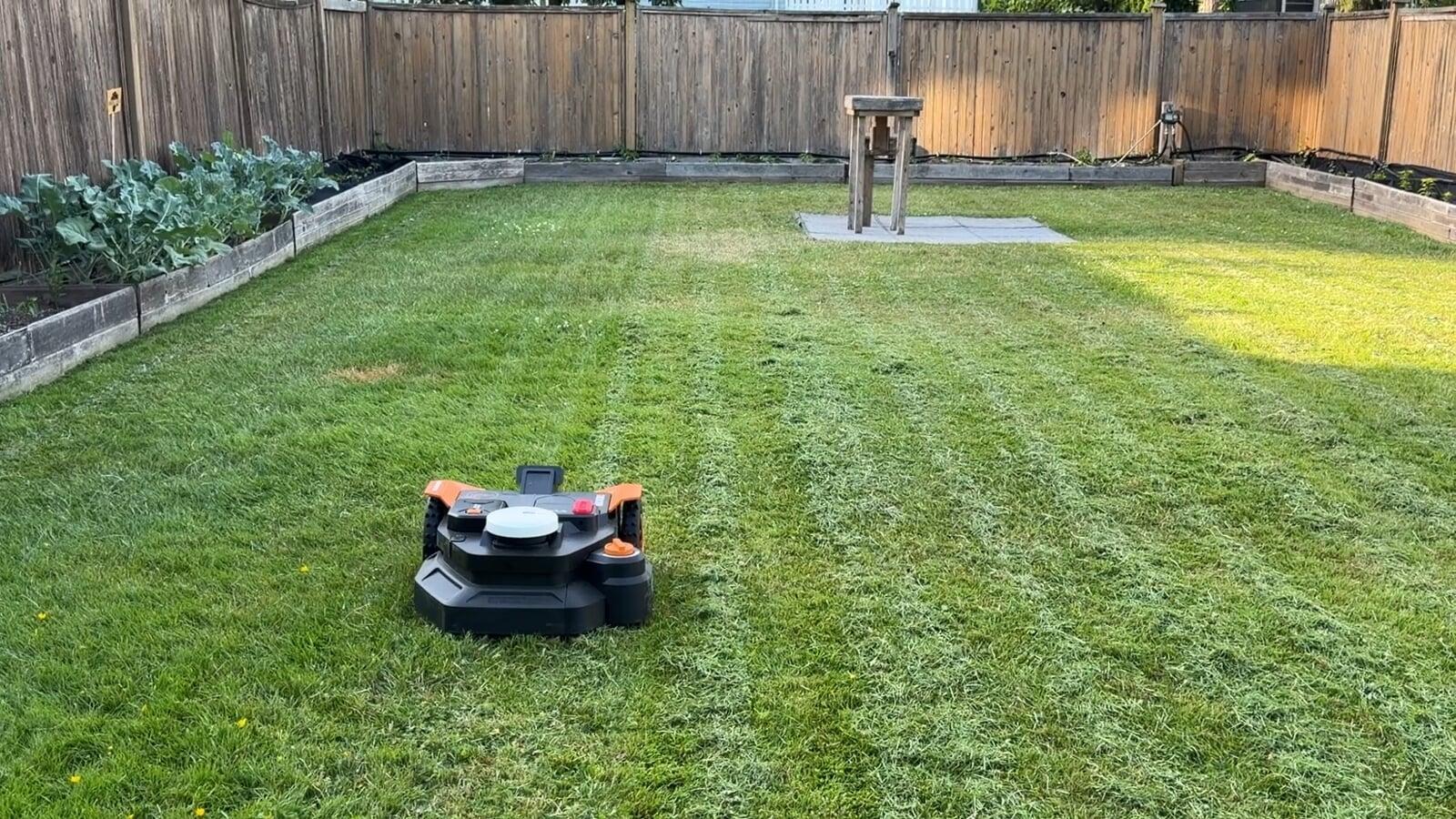
If you’ve been thinking about getting a robot lawn mower, you’ve probably run into the same issue most people do… setup.
Boundary wires, digging, complicated mapping. That’s usually what stops people from going all in. I recently tested the Worx Landroid Vision Cloud in a real yard, and also spoke with the head of product to understand how it works and what makes it different.
This is a full breakdown of what it does well, where it makes life easier, and what you should know before buying.
If you want to check pricing and availability, I’ve included a link below.
As an Amazon Associate, I may earn from qualifying purchases.
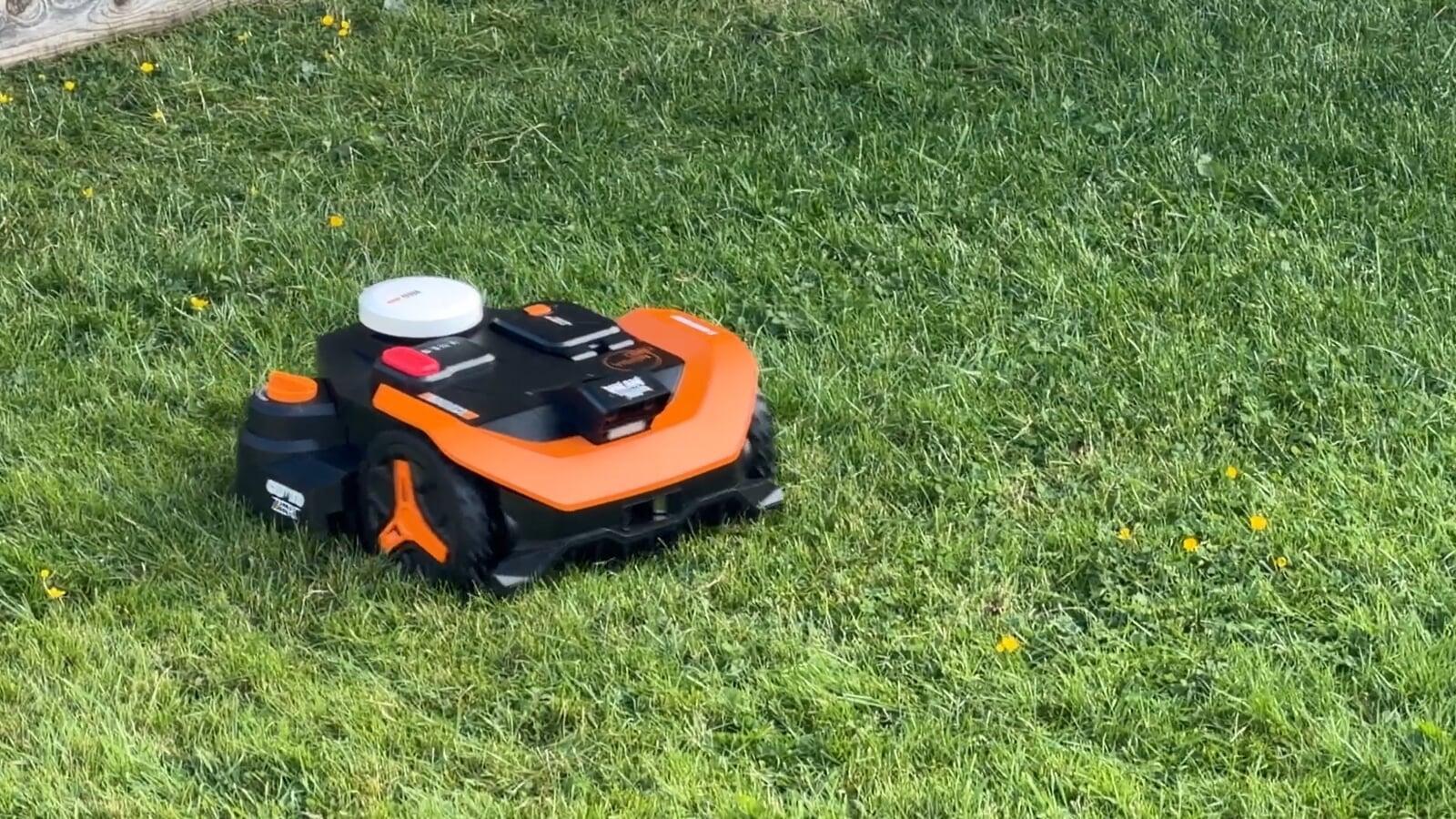
Who is this robot mower for?
This type of mower isn’t for everyone, but it makes a lot of sense if:
- You want to automate lawn care completely
- You’re tired of mowing every week
- You currently pay for lawn service
- You want a more consistent-looking lawn
The big focus here is convenience. Once it’s set up, it handles everything on its own.
Setup: No boundary wires
This is where the Worx Landroid Vision Cloud stands out the most.
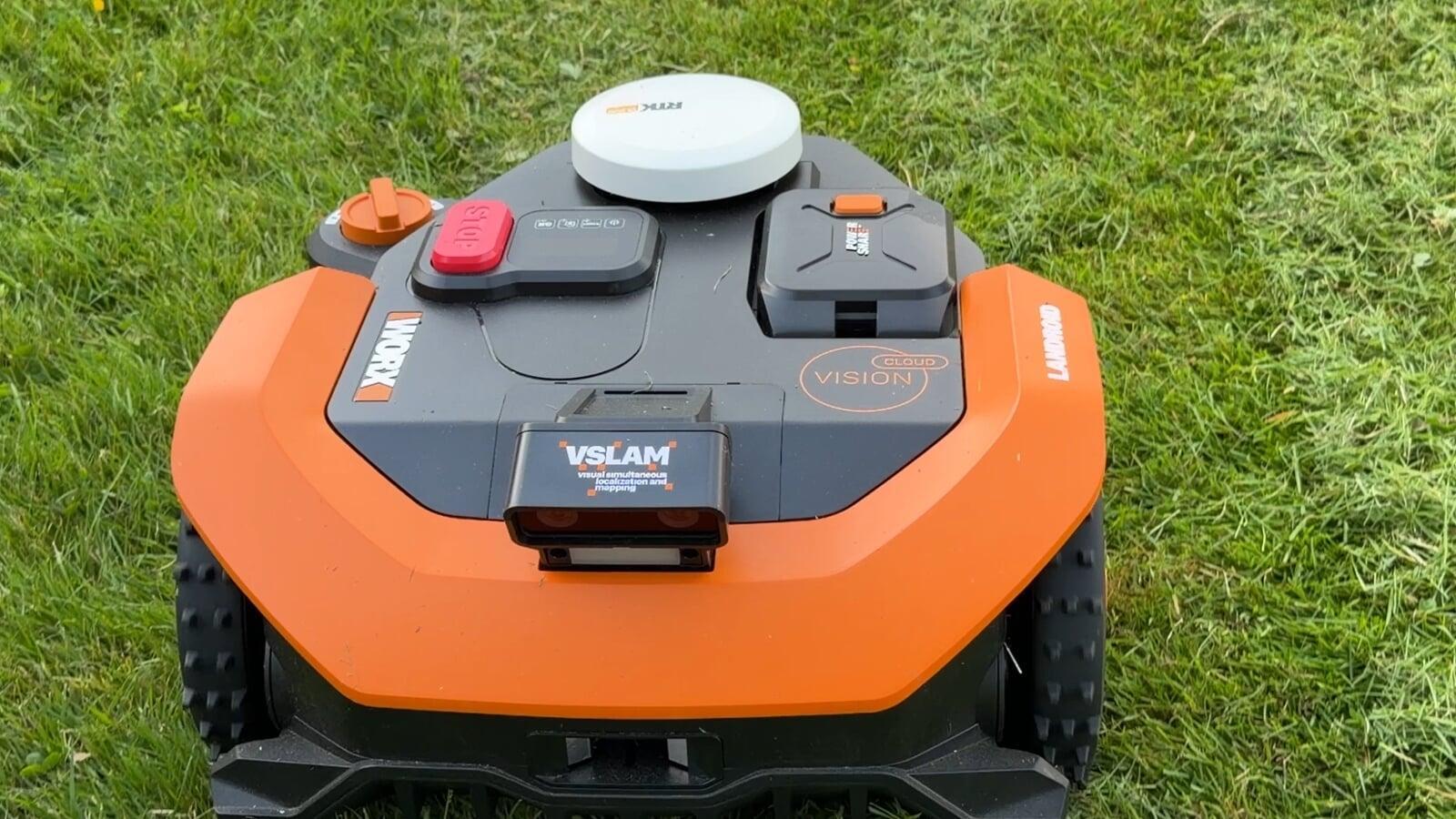
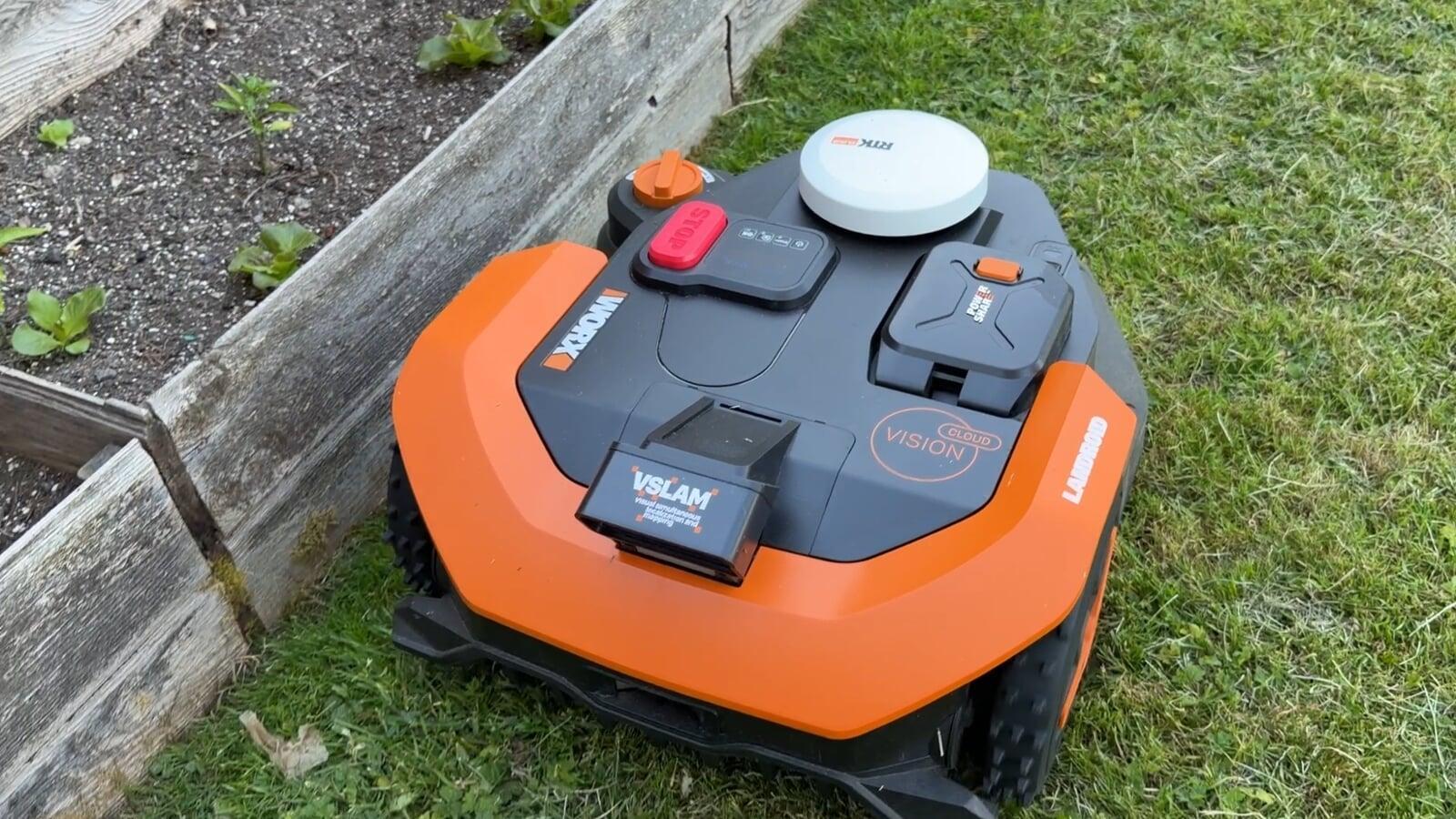
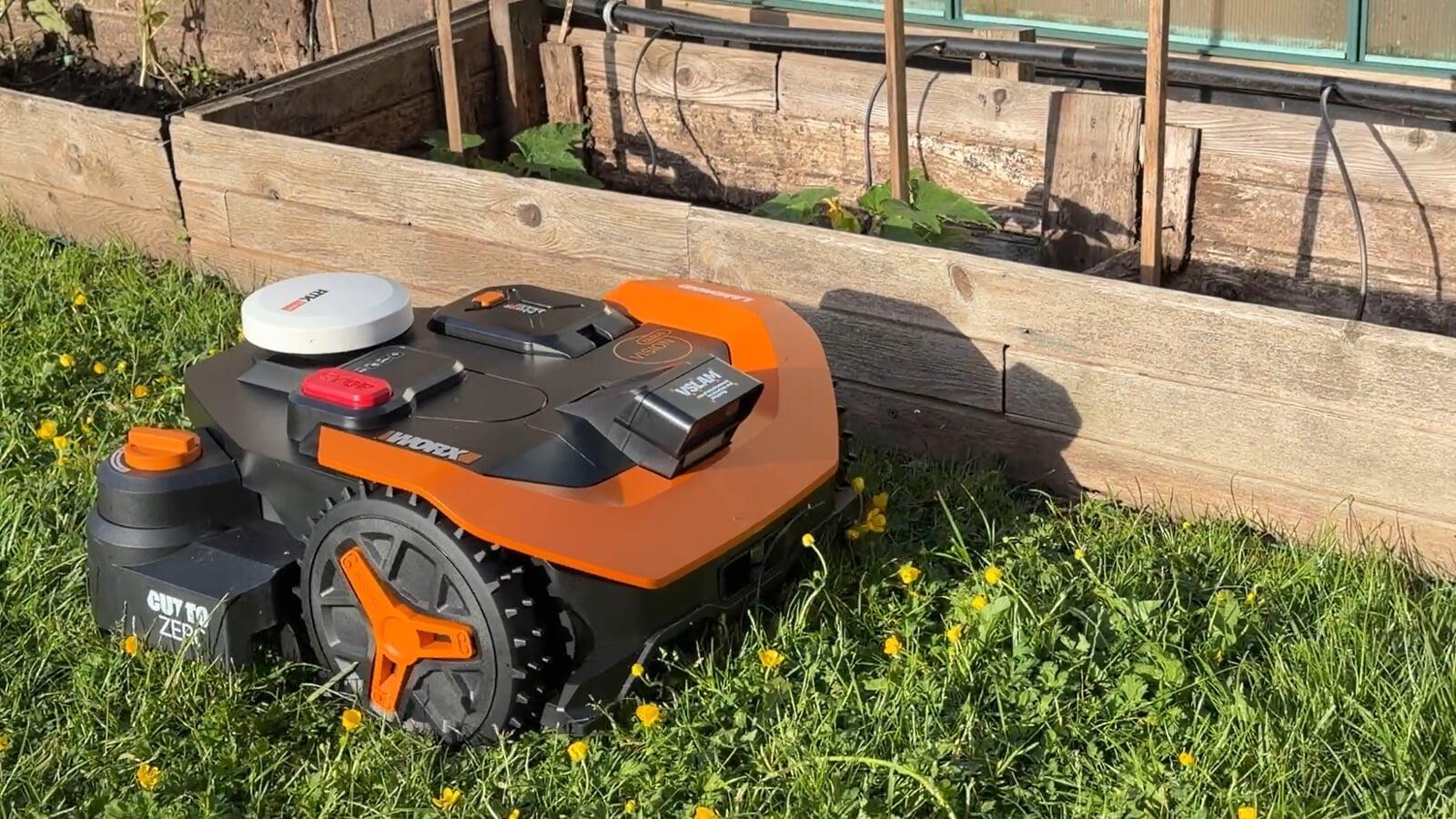
Instead of installing boundary wires around your entire yard, it uses satelites, cameras, and AI to map everything automatically.
You place it down, let it explore, and it builds a map of your lawn. This removes one of the biggest frustrations people have with robot mowers.
@handyandymedia Robot lawnmowers have been around for a while, but setup has always been the biggest headache. The @WORXTools Landroid Vision Cloud actually maps your yard automatically using satellites, cameras, and AI. Just place it down and let it figure things out. Full interview is up now. Link in bio. #Tech#SmartHome#LawnCare#RoboticMower♬ original sound - Handy Andy
Handling multiple areas
Most homes don’t have one simple open lawn.
If you’ve got a front yard, backyard, or side sections, you can create paths between zones so the mower knows exactly how to move between them.
Once it's set, it remembers the route and handles it automatically.
Cutting height and lawn care
One thing people often overlook is grass height.
Different grass types perform better at different lengths, and this mower lets you adjust that directly in the app.
Because it mows more frequently, you end up with a more consistent cut and healthier-looking lawn over time.
Lawn patterns and finish
This is one feature that surprised me.
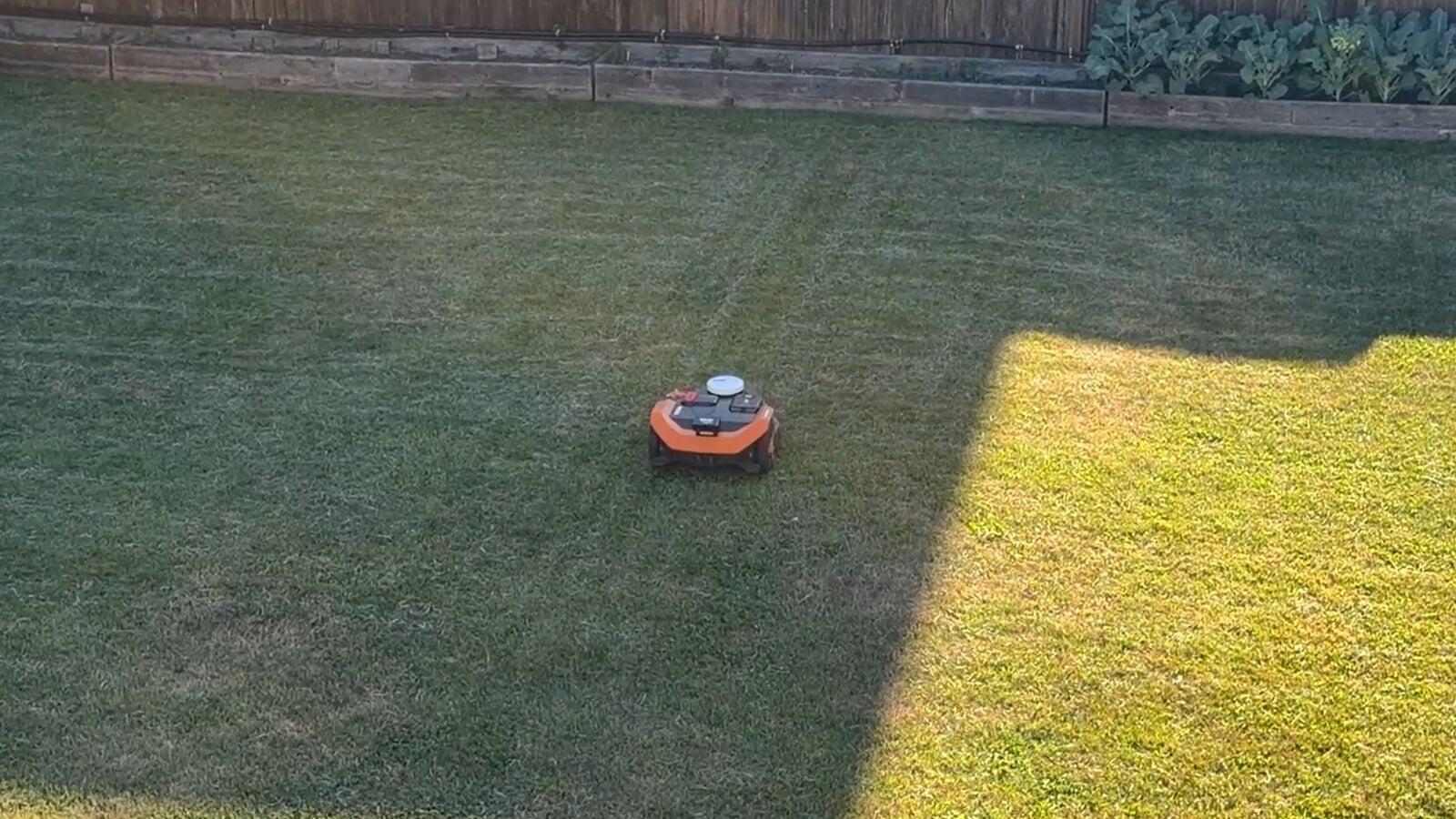
You can choose mowing patterns like straight lines, checkerboard, or even diamond layouts.
It doesn’t just cut the grass, it actually changes how your lawn looks visually.
Rain sensor and automation
It also adapts to real-world conditions.
There’s a built-in rain sensor so it knows when to stop mowing and wait until the lawn is in better condition.
You can adjust how it behaves depending on your preferences.
Maintenance and upkeep
This is another area where people tend to hesitate.
In reality, maintenance is minimal.
You occasionally replace the blades, give it a clean, and the app notifies you when anything needs attention.
Security and tracking
If you’re worried about someone taking it, there are built-in protections.
The mower has an alarm and GPS tracking, so you can see exactly where it is in the app.
It’s not something most people consider, but it does add peace of mind to anyone looking for a robotic lawnmower.
Pros and cons
What I liked:
- No boundary wire setup
- Automatic mapping
- Handles multiple zones
- Very low maintenance
- Custom mowing patterns
Things to consider:
- Higher upfront cost compared to a traditional mower
- Works best when the yard has clear visual boundaries
@handyandymedia There’s no one perfect grass height. It depends on your lawn and the type of grass you have. With the @worxtools Landroid Vision Cloud, you can adjust the cutting height right in the app. Full interview + more details 👉 Link in bio #Tech#SmartHome#LawnCare#RoboticMower#worx#worktools♬ original sound - Handy Andy
@handyandymedia Should a robot mower run in the rain? The @worxtools Landroid Vision Cloud has a built-in rain sensor, so it can stop and wait until conditions improve. You can also customize how it behaves. Full interview + more details 👉 Link in bio #Tech#SmartHome#LawnCare#RoboticMower#worx#worxtools♬ original sound - Handy Andy
Final thoughts
The biggest improvement here is how easy it is to get started.
Setup has always been the barrier for robot mowers, and this solves most of that problem.
If you want something that can handle your lawn consistently without much effort, this is one of the easiest ways to get there.